


Build and test a real pricing model
Swallow models are plain JSON that AI agents can write and people can read. Here's a complete UK pet insurance model, priced by the Swallow engine
Made for AI. Clear to people.
The agent that drafts a model, the engine that prices it and the person who signs it off all work from one file. No generated code to review
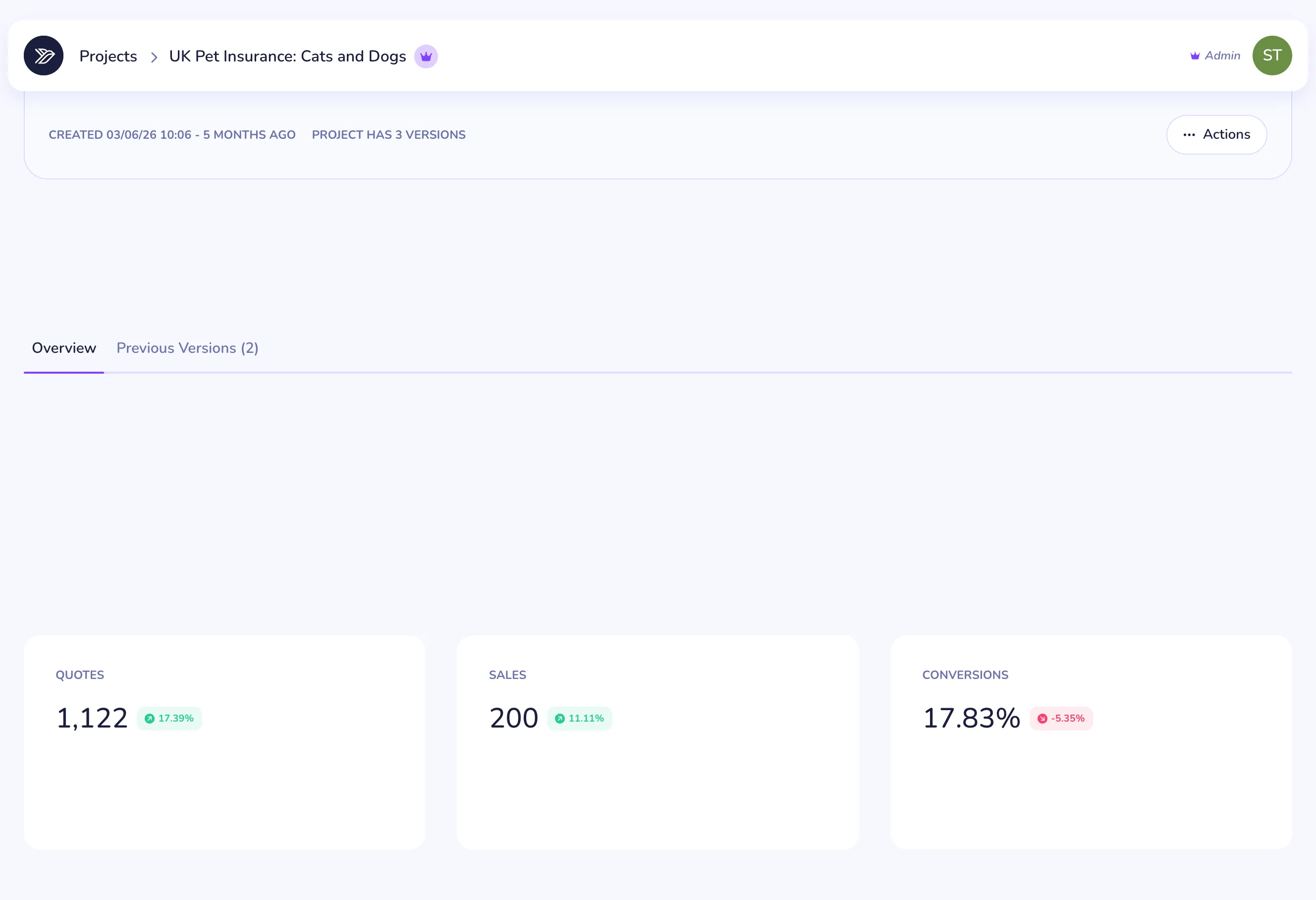
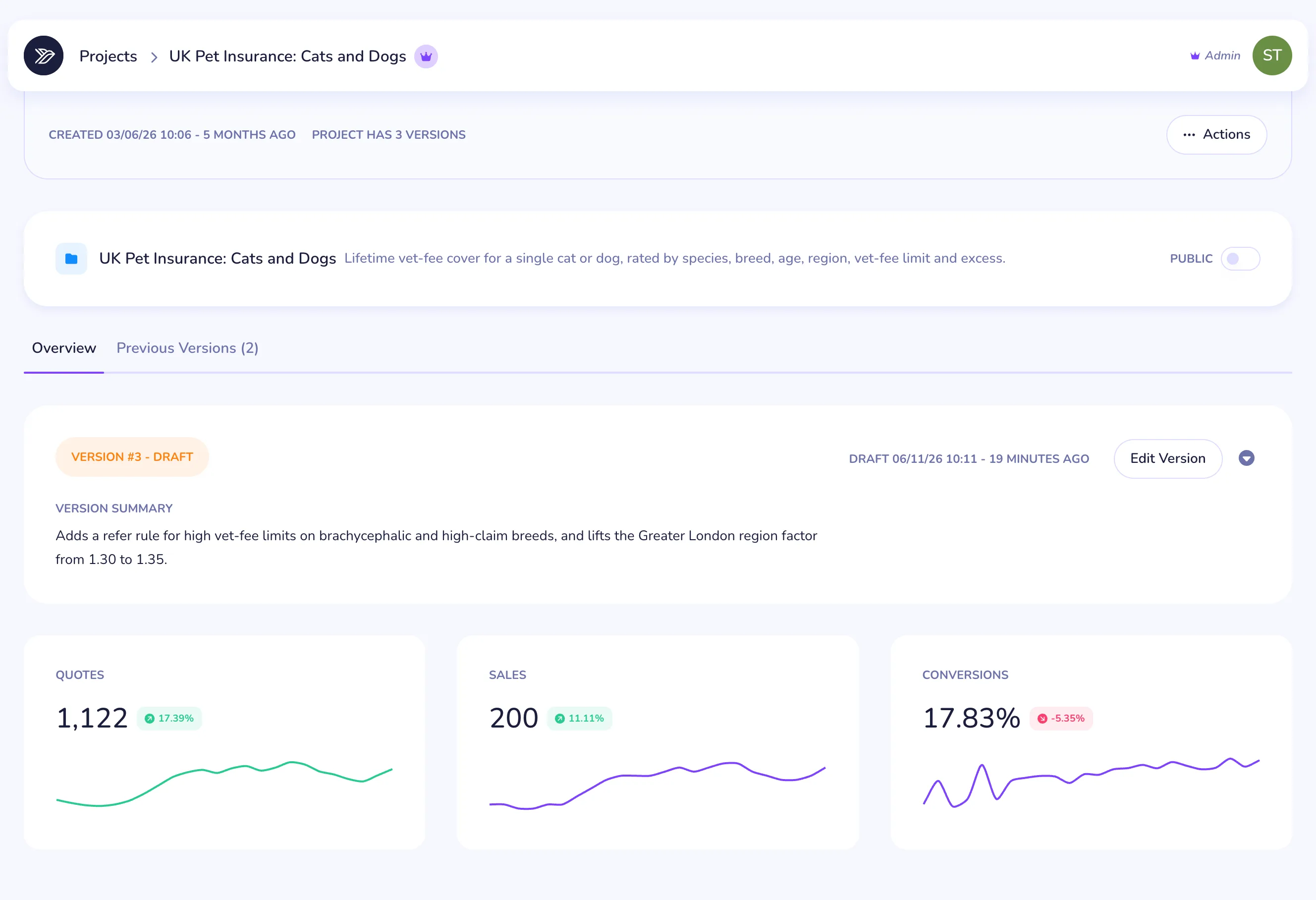
UK Pet Insurance: Cats and Dogs
Rates annual lifetime vet-fee cover for one cat or dog in the UK. Base rates by species and annual vet-fee limit are adjusted for age band, breed, region, voluntary excess and neutering, then 12% Insurance Premium Tax is added. Older pets and breed/species mismatches are declined; high-limit cover on high-risk breeds is referred.
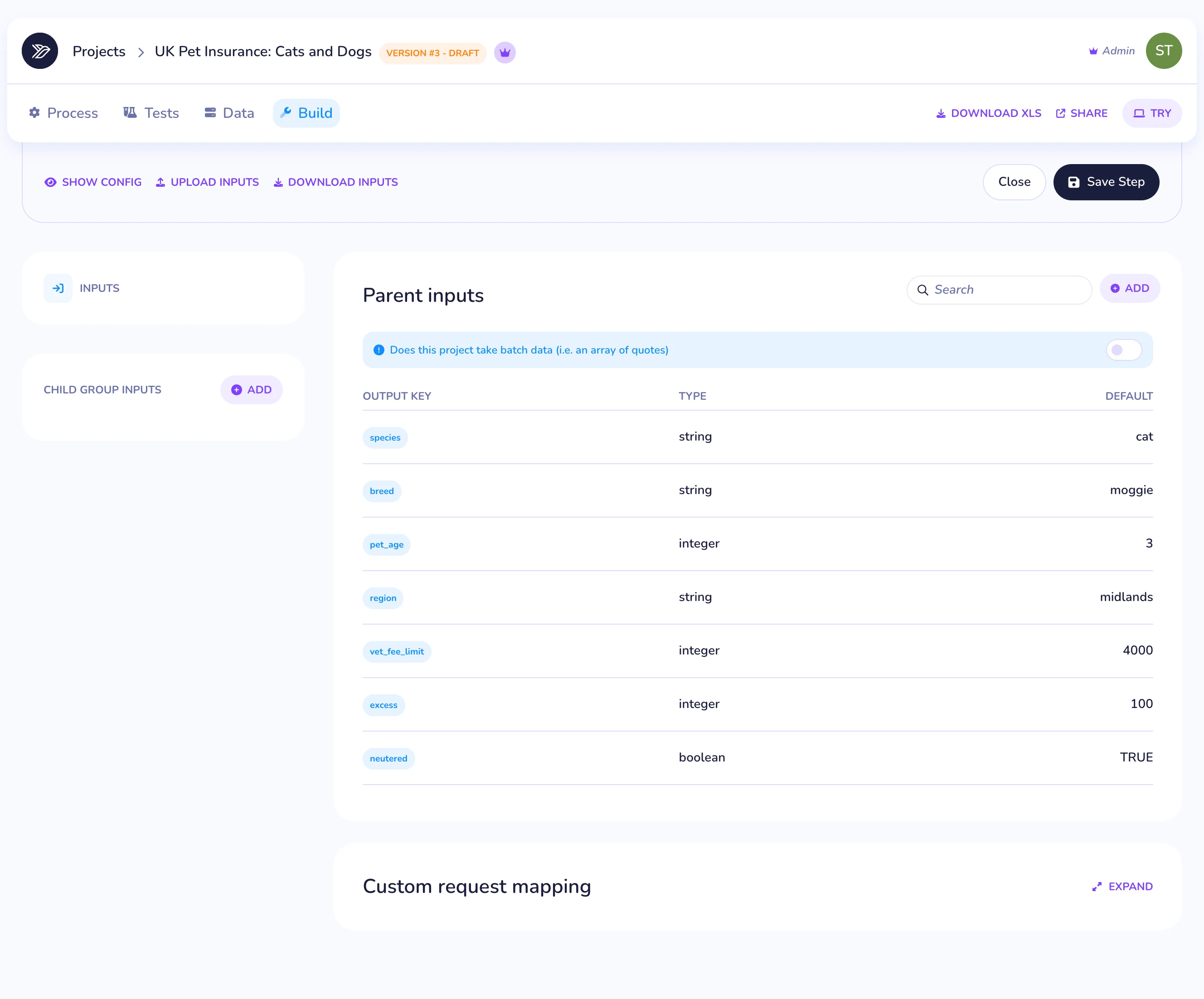
Set what you rate on
Each input has a key, a type, a default and a description your brokers can read. Fields with set options keep their list of options with them
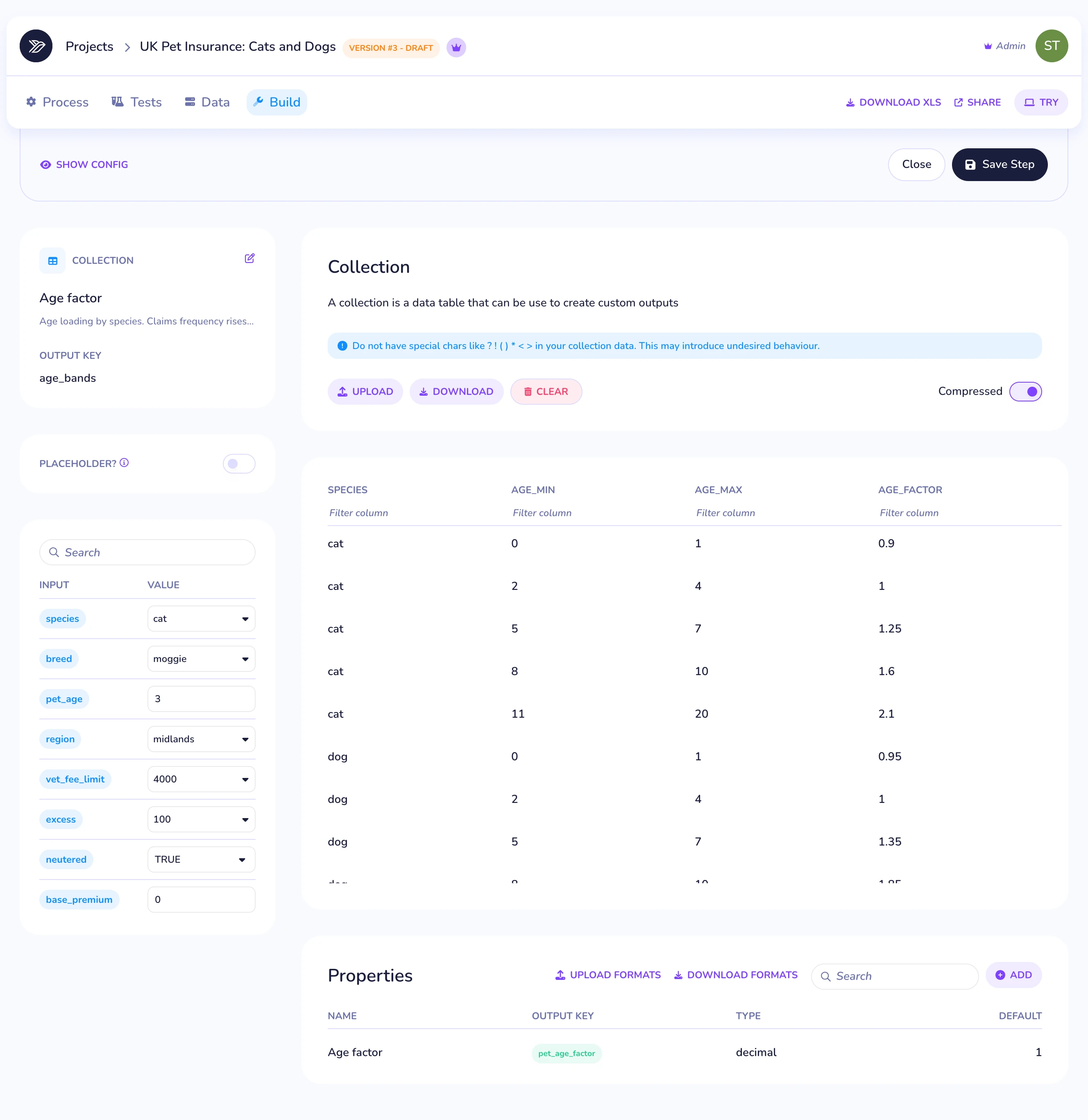
Add your rate tables
Tables are plain rows and lookups chain filters, so an age band that depends on species is a single line. Upload or download any table as a CSV in the dashboard
Work out the premium
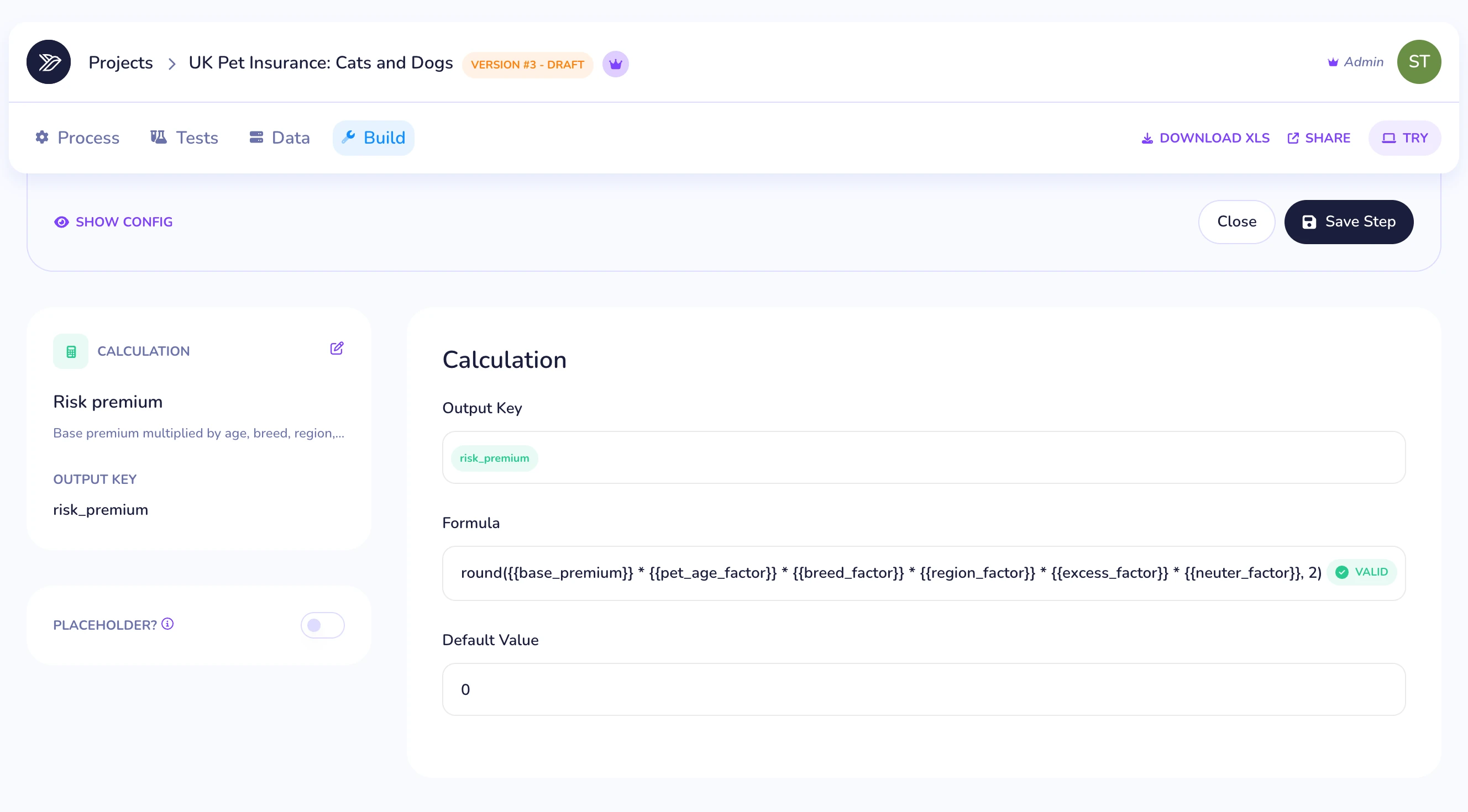
Calculations run in order and can use any input or earlier result. Here the risk premium multiplies six factors together, then 12% UK Insurance Premium Tax goes on top
Decline and refer
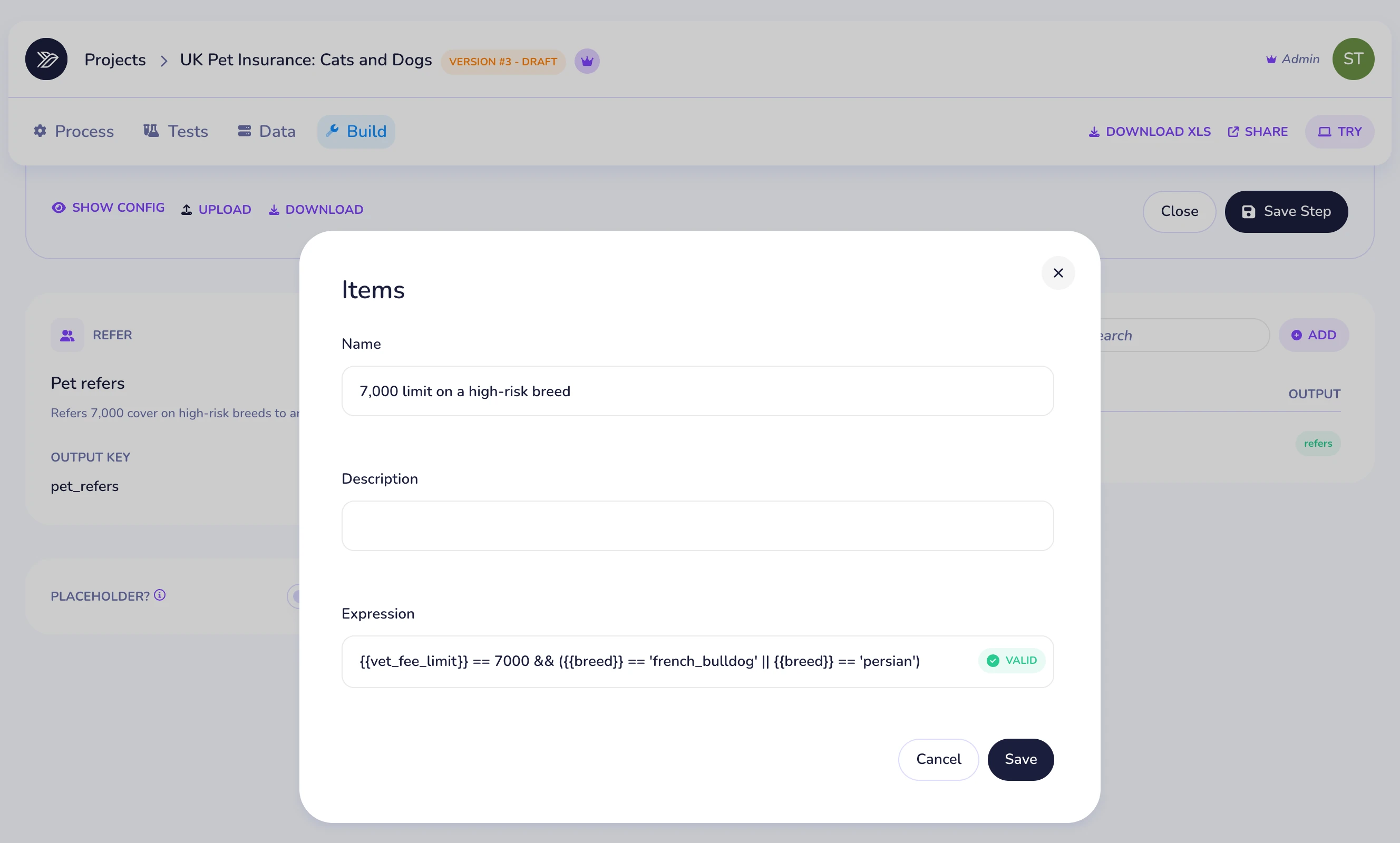
An exclusion makes a quote invalid. A refer still prices it but flags it for an underwriter. Pets over 14 and breeds that don't match the species decline, and 7,000 cover on a high-risk breed refers
Pin it with tests
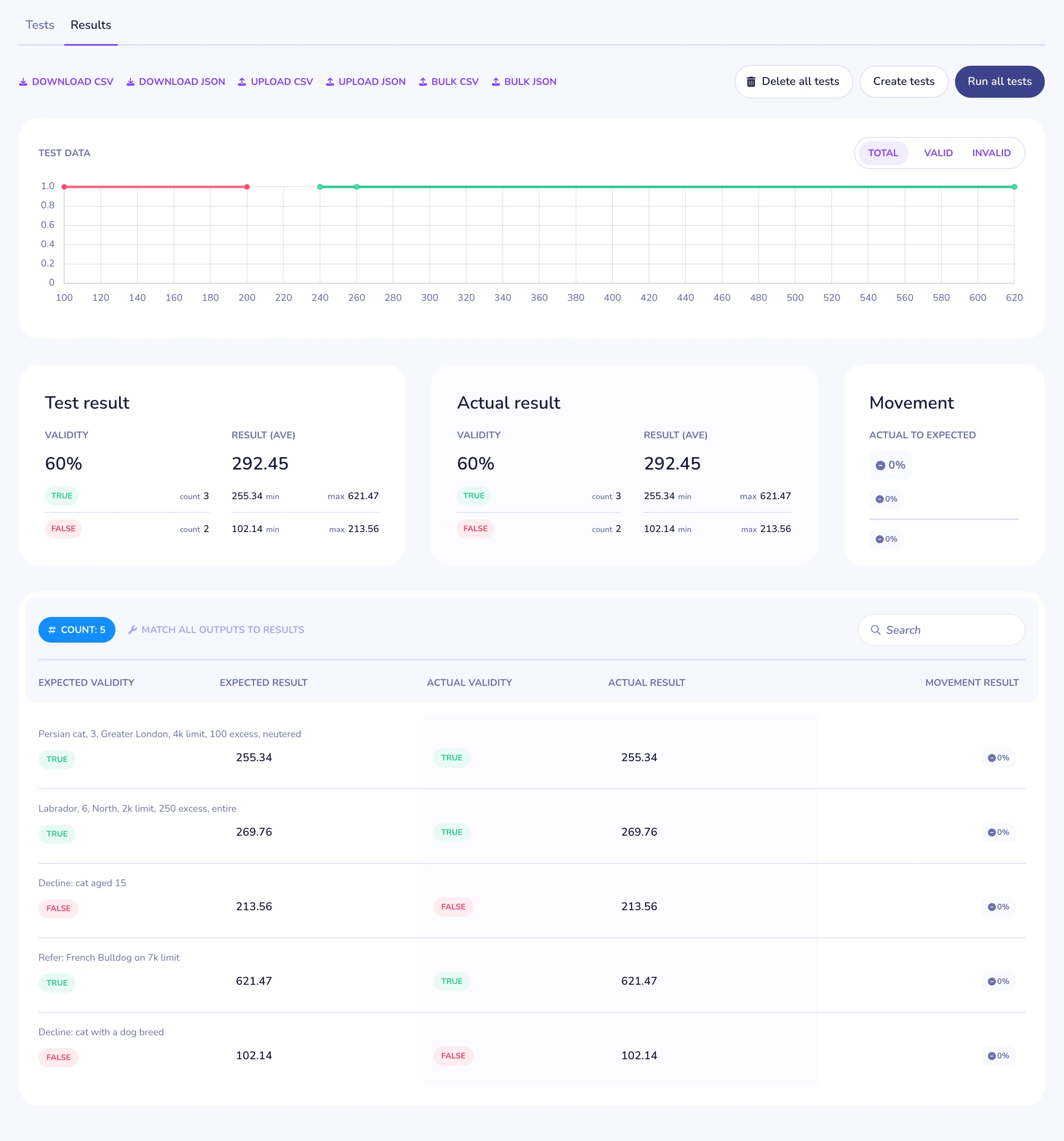
Every test fixes a set of inputs to the result you expect. Run the whole suite on each change and know the prices still hold before you publish
Five scenarios, all passing
Two priced quotes that match a hand calculation to the penny, two declines and a refer. This is what the engine returned for the suite above
| Scenario | Annual | Monthly | Valid | Refer |
|---|---|---|---|---|
| Persian cat, 3, Greater London, 4k limit, 100 excess, neutered | 255.34 | 21.28 | valid | – |
| Labrador, 6, North, 2k limit, 250 excess, entire | 269.76 | 22.48 | valid | – |
| Decline: cat aged 15 | – | – | declined | – |
| Refer: French Bulldog on 7k limit | 621.47 | 51.79 | valid | refer |
| Decline: cat with a dog breed | – | – | declined | – |
Draft, approve, publish
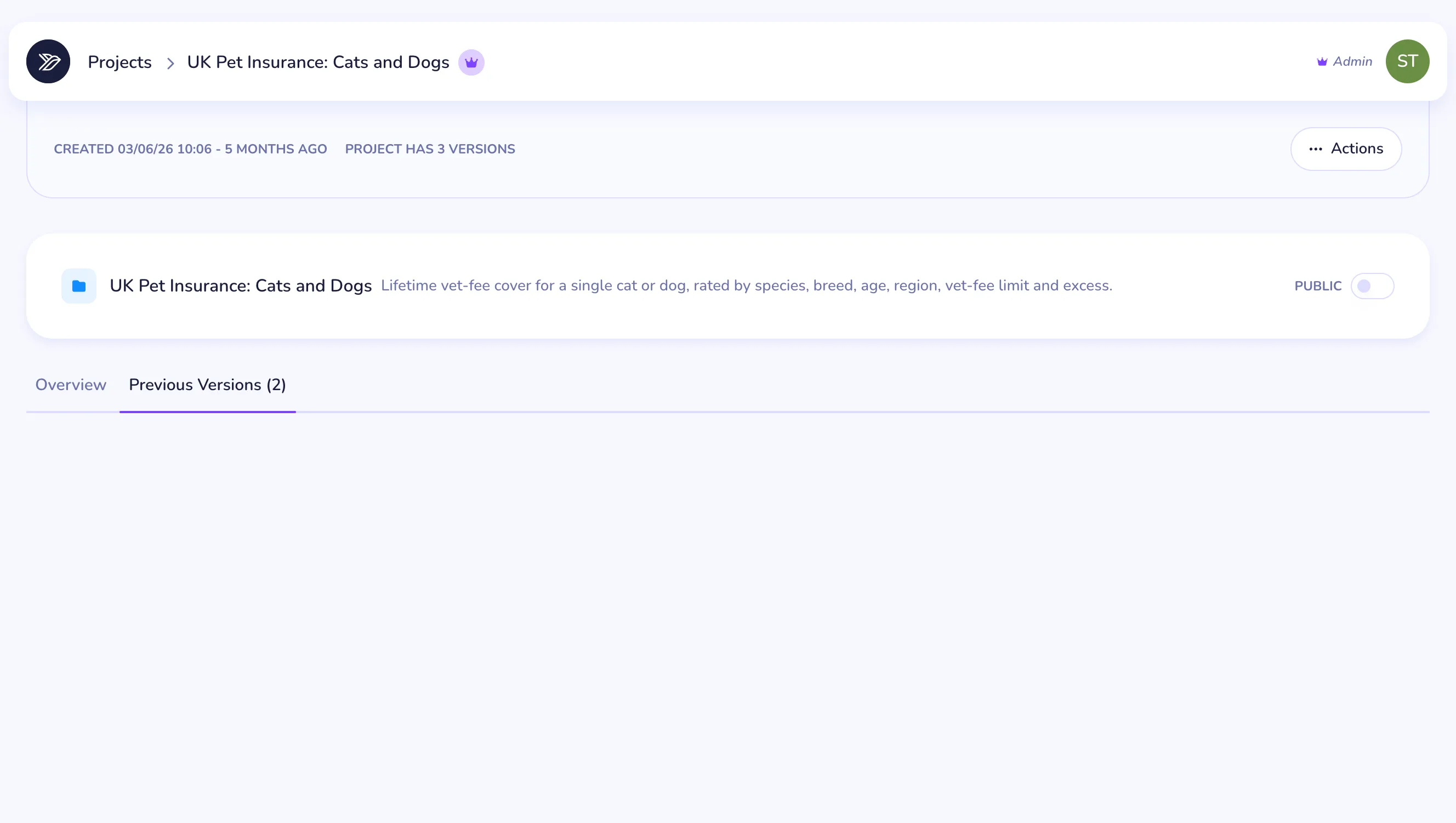
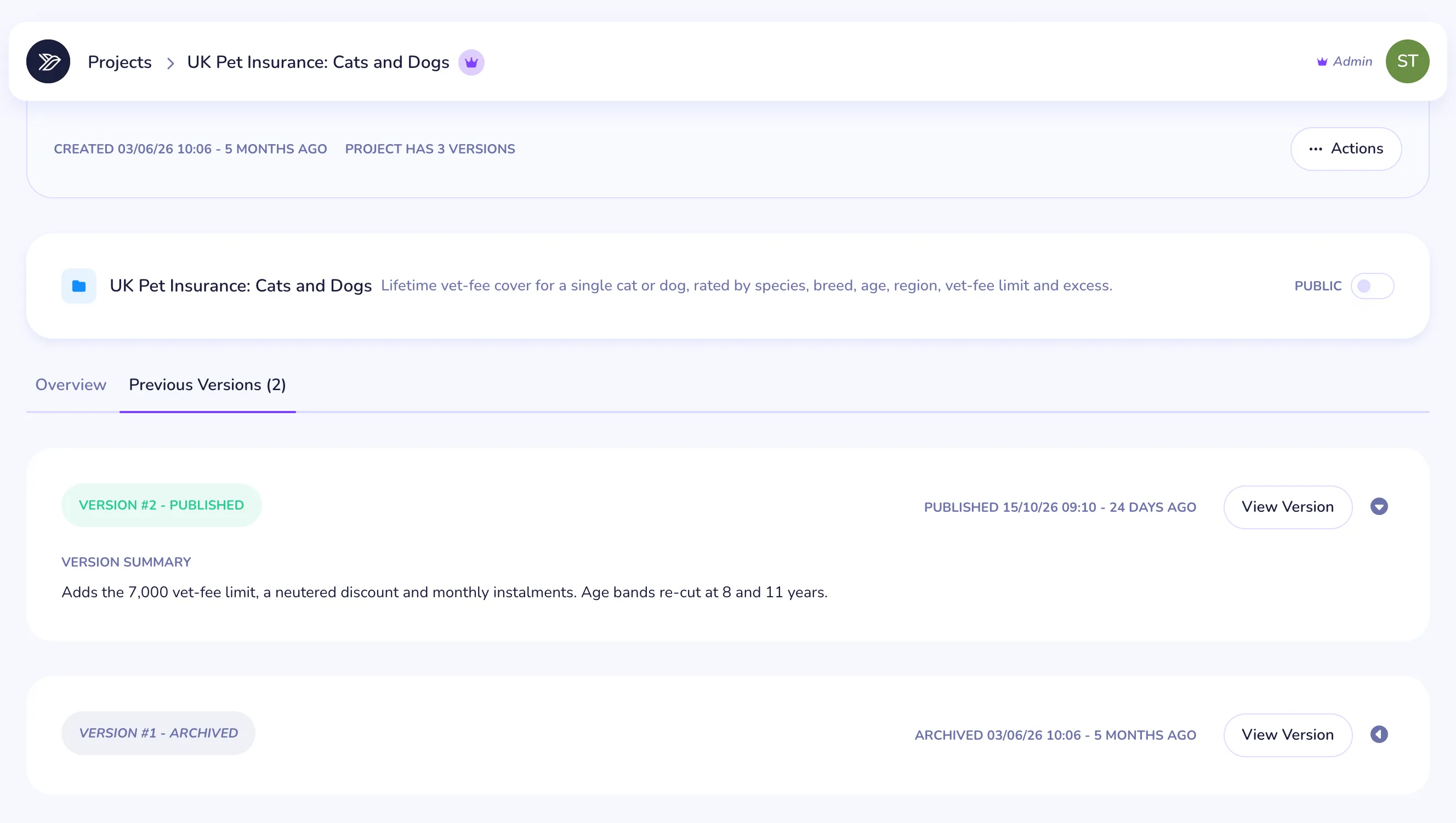
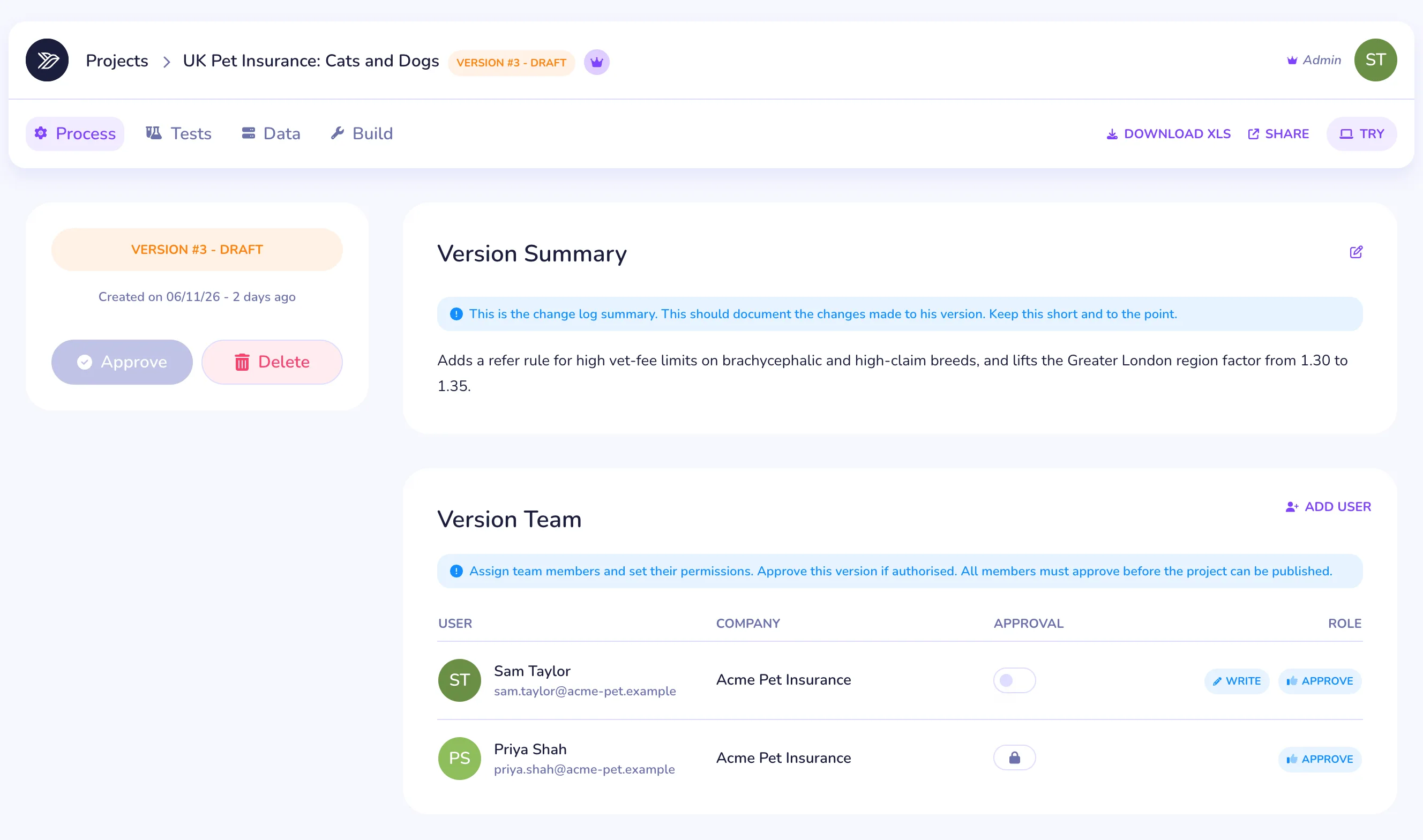
Each version moves from draft to approved to published, so every change is reviewed before it prices a live quote
Connect Claude, ChatGPT or Cursor to the Swallow MCP server. Your agent can read the rules, start from an example model, validate it and run its tests
Send us your rating guide, spreadsheet or filing and we'll talk you through getting it live on Swallow