

Developer · MCP

Connect your AI client to Swallow

Swallow runs a Model Context Protocol server, so Claude, ChatGPT, Cursor and any other MCP client can learn the model format, build and test models, and price quotes, signed in with your own Swallow keys

JSON-RPC 2.0OAuth
In Claude and ChatGPT

Price a quote, then ask why

Ask for a quote in plain English. The client reads your model's quote form from Swallow, fills it in, prices the quote and saves it. Ask why a quote came out the way it did and it reads the quote's trace: every factor, formula and rule that fired.

This is the pet insurance model from the modelling page, and the prices are its real output.

Connect

Connect a client

Your client finds the sign-in flow by itself. You paste your keys once on the Swallow page and the client only ever gets a token, never the keys

Claude · web & desktop
Add a custom connector
  1. Go to Settings, then Connectors, then Add custom connector
  2. Paste https://api.llow.io/ai/mcp as the URL
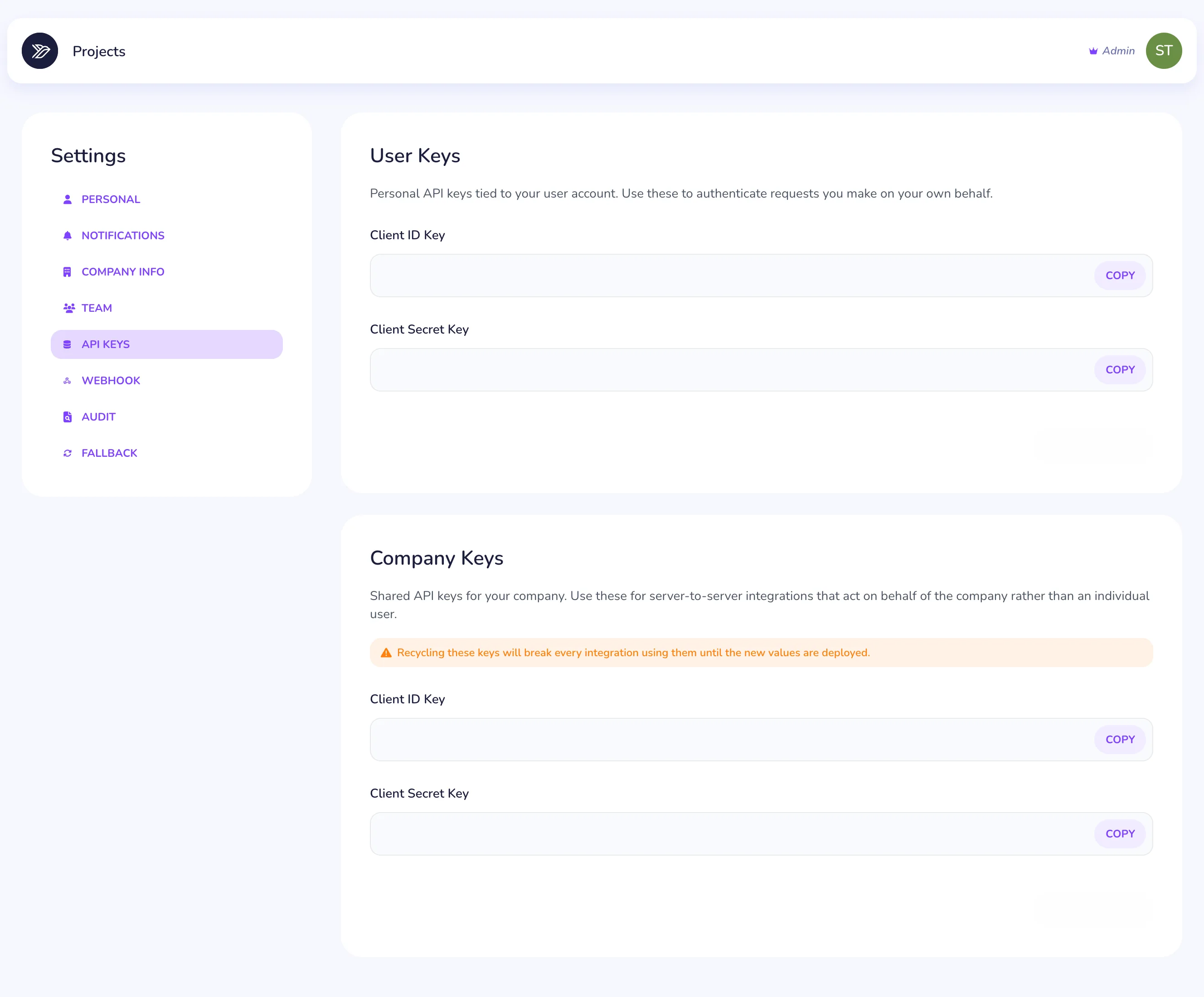
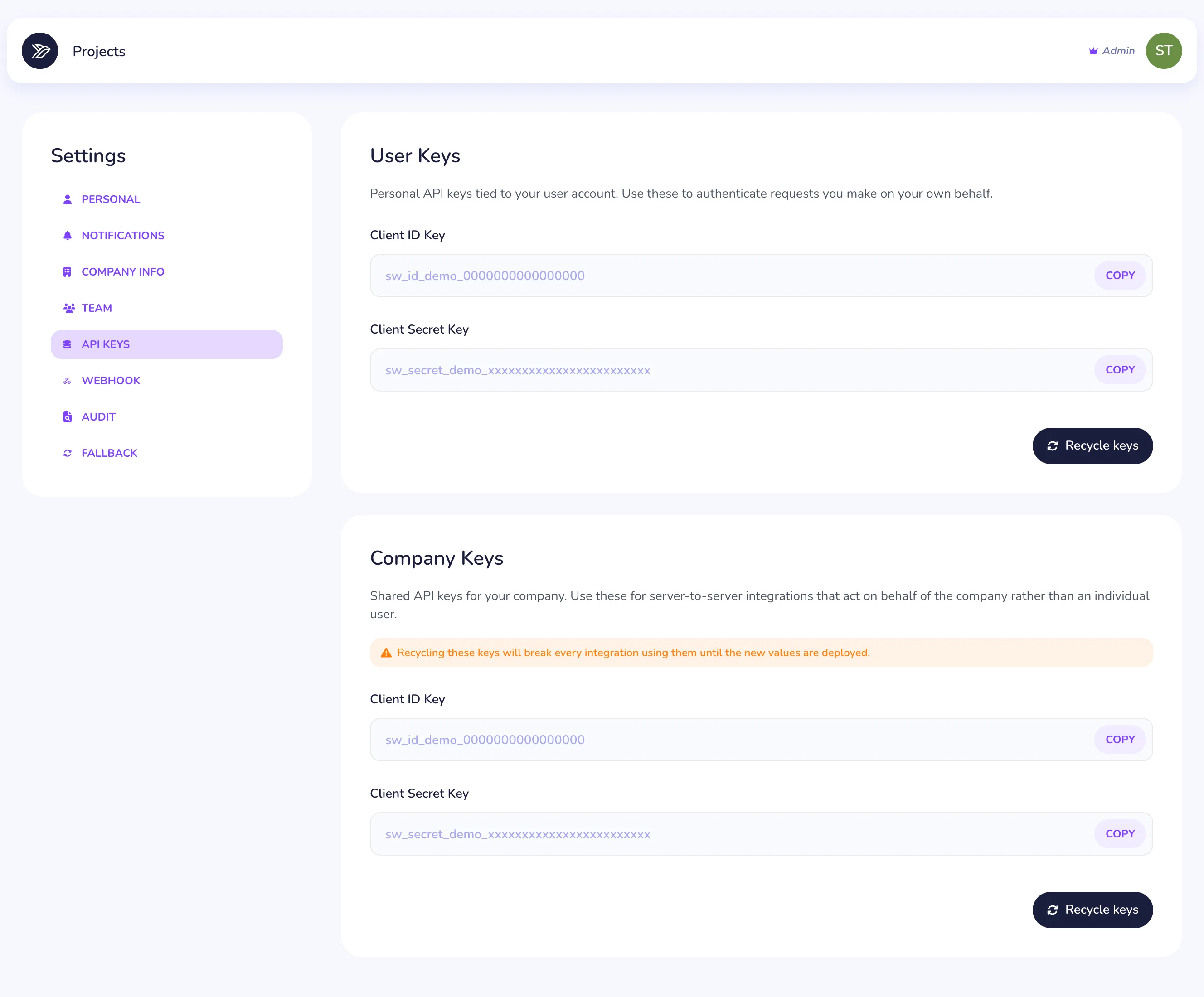
  3. Claude opens the Swallow sign-in page. Paste your client ID and secret keys from Settings → API Keys
Claude Code
One command, or the plugin
  1. Add the server, then run /mcp in Claude Code to sign in
  2. Or install the Swallow plugin, which adds skills and agents on top
claude mcp add --transport http swallow https://api.llow.io/ai/mcp

/plugin marketplace add llow-group/swallow-claude-plugin
/plugin install swallow-pricing-engine@swallow-pricing-engine
Cursor & others
Remote MCP config
  1. Add Swallow as a remote server. Your client finds the sign-in flow and opens it for you
{
  "mcpServers": {
    "swallow": {
      "url": "https://api.llow.io/ai/mcp"
    }
  }
}
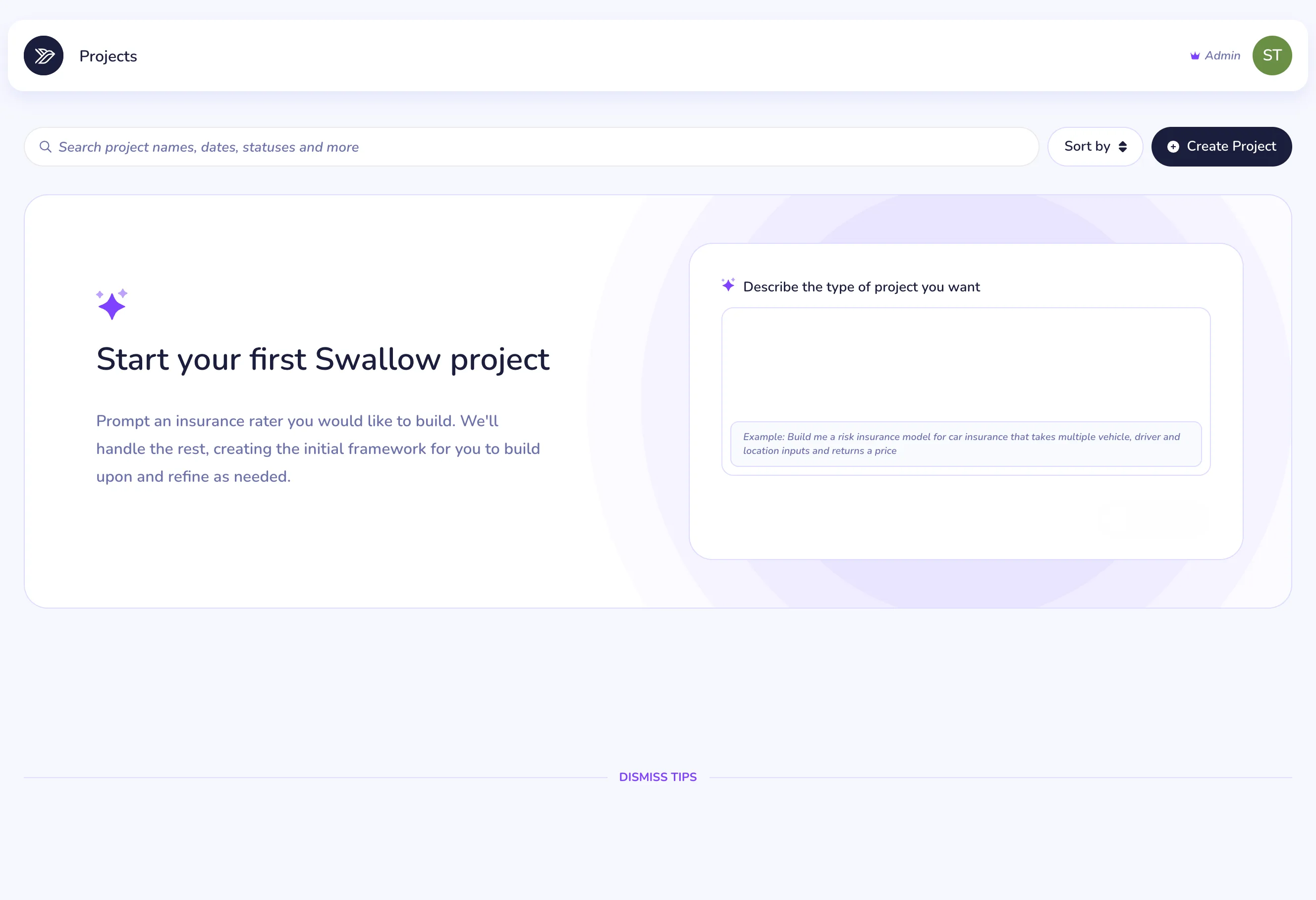
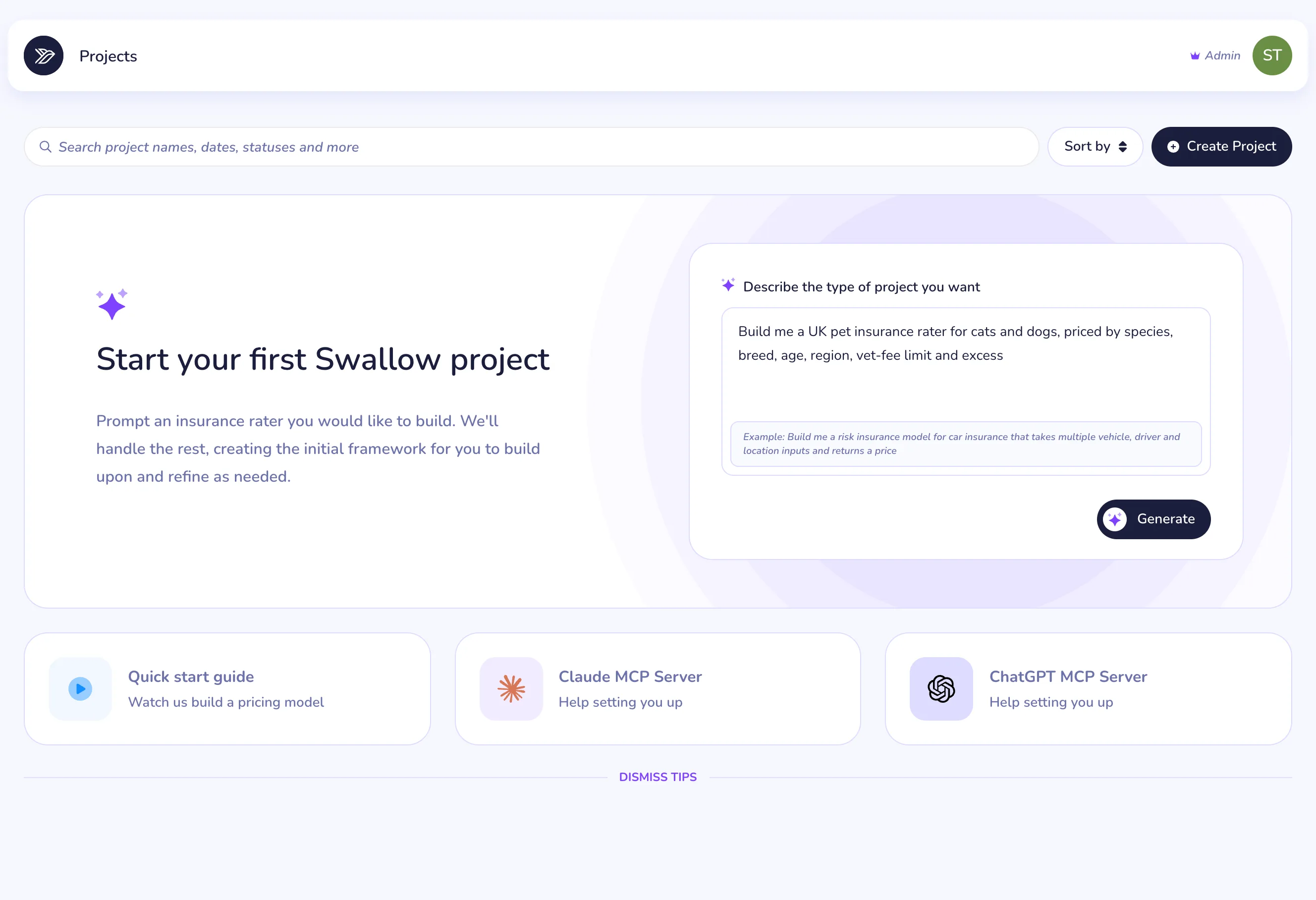
Quick start screen with a prompt to build a UK pet insurance rater for cats and dogs ready to generate, plus cards for the quick start guide and the Claude and ChatGPT MCP servers
Settings API Keys page with user keys and company keys, each with a client ID key, client secret key and a recycle keys button

No account yet? Talk to our team and we'll get you set up

Tools

18 tools

Everything is read-only apart from running a quote. Help, sign-up and the health check work before you sign in. The rest act as you

Build and test models
docs_swallow_projectread only
Read the docs
Loads the modelling rules and the full engine reference, so your agent knows every step type before it writes one
schema_swallow_projectread only
Get the schema
Returns the JSON Schema every Swallow model follows. Agents keep it to hand and check their own work as they go
starter_swallow_projectread only
Start from an example
Hands over a small, working model for a common line, such as motor, home or travel, with tables, rules and tests ready to adapt
validate_swallow_projectread only
Validate a model
Checks a model against the schema on the server and points to each problem by its JSON path
test_swallow_projectread only
Run the tests
Prices every test in a model through the engine and returns the real premiums and any engine warnings
generate_swallow_testsread only
Generate tests
Suggests test cases by varying each input in turn, for the agent to trim into a suite worth keeping
validate_swallow_testsread only
Review a test suite
Runs the suite and reports the price spread and which refers, declines and endorsements it covers, so gaps stand out
summarise_swallow_projectread only
Summarise a big model
Shows the agent how to shrink a large model to its structure, so big rate tables don't crowd out the conversation
Your projects and quotes
list_swallow_projectsread only
List projects
Lists the projects in your account with their recent versions
get_swallow_projectread only
Open a project
Reads a version as a step list, a short summary or the full model file
list_swallow_quotesread only
List quotes
Searches your quote history by project, version, date or indexed fields
get_swallow_quoteread only
Open a quote
Fetches one quote, with its debug trace filtered to the steps or warnings you care about
analytics_swallow_quotesread only
Quote analytics
Counts quotes and sales by hour or day, for questions like "how many quotes did we run today?"
get_swallow_quote_formread only
Get a quote form
Returns a project's input fields and options, so the agent can show a form in the chat
create_swallow_quotesaves quotes
Run a quote
Prices the form's answers against the latest published version and saves the quote to your account
Help and sign-up · no sign-in needed
swallow_helpread only
Dashboard help
Answers "how do I do this in Swallow?" with the right part of the dashboard guide
register_swallow_accountread only
Sign up
Builds a pre-filled sign-up link for someone without an account. They finish signing up themselves
mcp_healthread only
Health check
Shows the server build, the tools it offers and whether the pricing API behind it is healthy
Building with an agent

You stay in charge

Agents do the drafting and checking. Putting a model live stays with you

Build
Draft, validate and test
Your agent loads the rules, starts from an example, writes the model and checks it with validate_swallow_project and test_swallow_project. Nothing is saved while it works
Upload
You put it live
When the model is ready, the agent hands you the JSON. Upload it to a draft in the Swallow dashboard, then approve and publish it there
You decide
Agents can't publish
No MCP tool creates, edits or publishes a project. The only thing an agent can save is a quote, with create_swallow_quote