


Moving off a spreadsheet rater without changing a single price

Plenty of good insurance products began life as a workbook. An actuary builds the rater in Excel, underwriters quote from it, and it does the job. Spreadsheets are quick to build, quick to change and everyone already knows how to use them.

The trouble starts when the workbook keeps being asked to do more. This post covers how to tell a spreadsheet rater has reached its limit, what it costs to keep it going, and how to move to a rating engine so that every quote prices the same afterwards, unless you decide it shouldn't.

Five signs it's time

  • Someone wants a price over an API. A broker, partner or comparison site needs live quotes, and a workbook can't answer a request.
  • There's more than one copy. Different teams or brokers have their own versions, and nobody is quite sure which is current.
  • Every rate change waits for one person. Only one person really understands the workbook, and checking the effect of a change takes days.
  • Audit questions take a week. It's hard to say which version priced a given quote, or exactly what changed between two versions.
  • It has grown in the dark. Hidden sheets, macros and links to other files have piled up, and small edits have effects nobody predicted.

What staying in Excel really costs

Spreadsheets aren't the problem in themselves. The risk comes from running one as a production system:

  • Mistakes hide well. A lookup that points one row out, or a range that doesn't stretch to cover a new band, can go unnoticed for months.
  • Testing is informal. Most raters are checked by trying a handful of quotes, which misses the subtle errors.
  • History is a folder of renamed files. Versions get copied with a date in the name, and the record of what changed is patchy.
  • Anyone with the file can change a rate. There's no real control over who edits what.

For a regulated product, each of those makes it harder to show how prices are set and that they behave as intended.

A six-step migration

The aim is simple: after the move, every quote gives the same price as before unless you've chosen otherwise. The best way to prove that is with the spreadsheet itself.

Step 1: Pick the reference version and freeze it

Agree which copy of the workbook is the reference and stop changing it while you migrate. Any rate change in the meantime should either wait or be made in both places.

Step 2: Use the spreadsheet to write your tests

Run a large set of inputs through the workbook and record what it returns. Cover:

  • the worked examples the actuary used when setting the rates;
  • values just either side of every band boundary;
  • every decline and refer rule;
  • a sample of real quotes from the last few months.

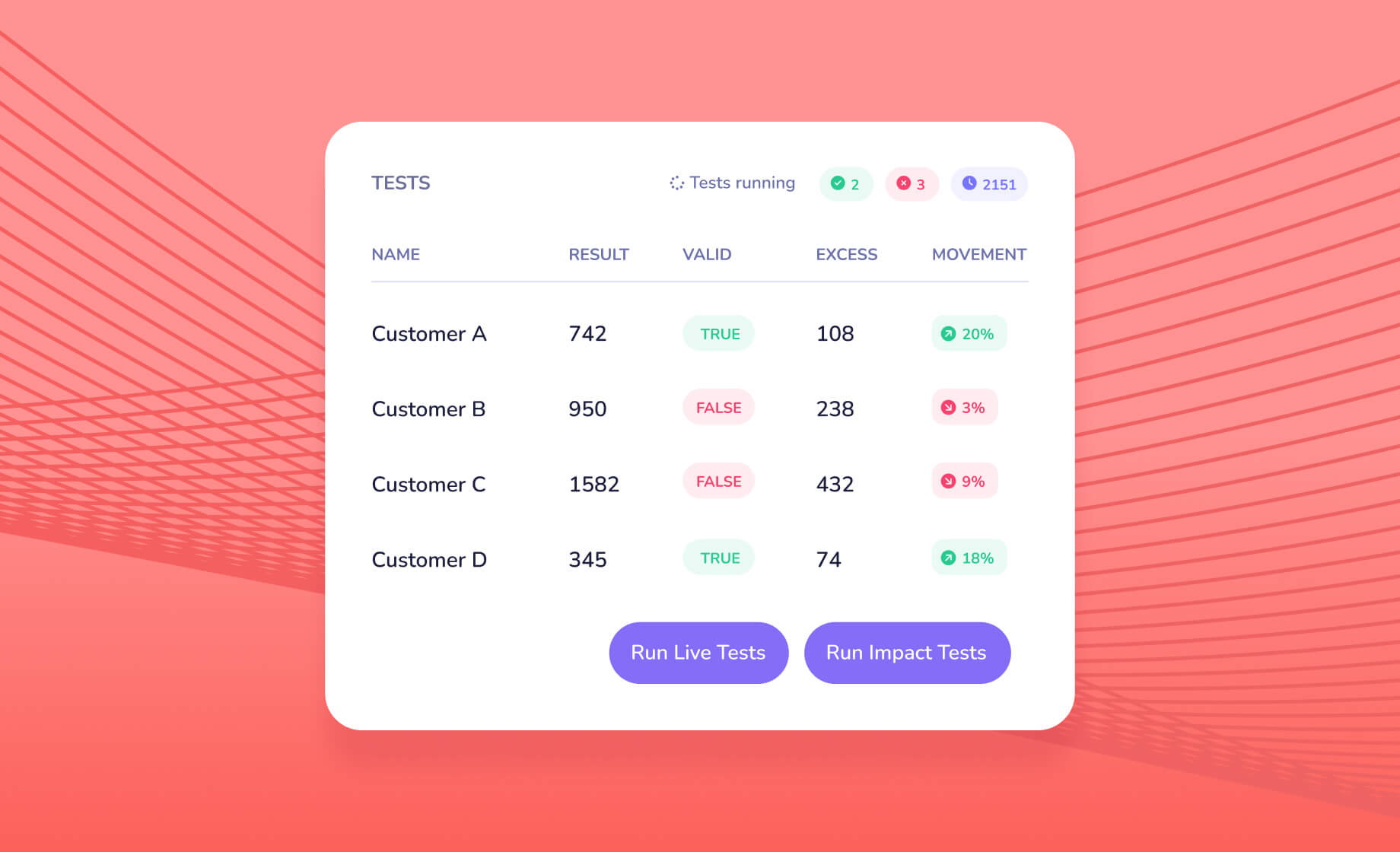
Each of these, a full set of inputs paired with the spreadsheet's answer, becomes a test for the new model.

Step 3: Rebuild the logic, not the formulas

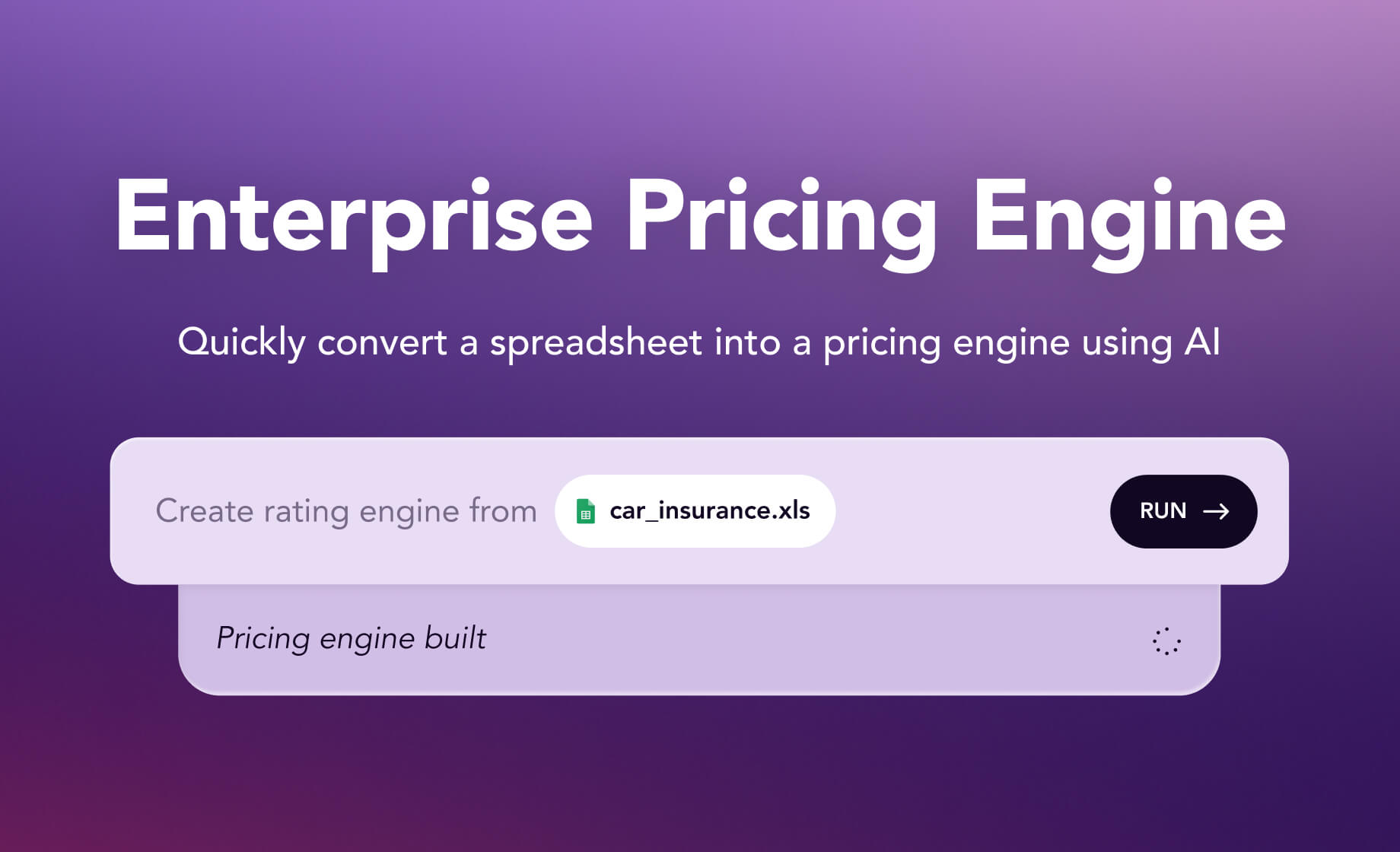
Pull out the rate tables and work out the calculation order: which factors apply, in what sequence, and how rounding, minimum premiums and fees are handled. In Swallow you can upload the workbook and let the AI draft a first model from it, or build it step by step on the canvas. Rate tables are plain rows that you can upload and download as CSV. Then someone who knows the spreadsheet checks each step against it. You end up with a readable model rather than a copy of cell formulas, like the example in our developer guide.

Step 4: Fix every failing test

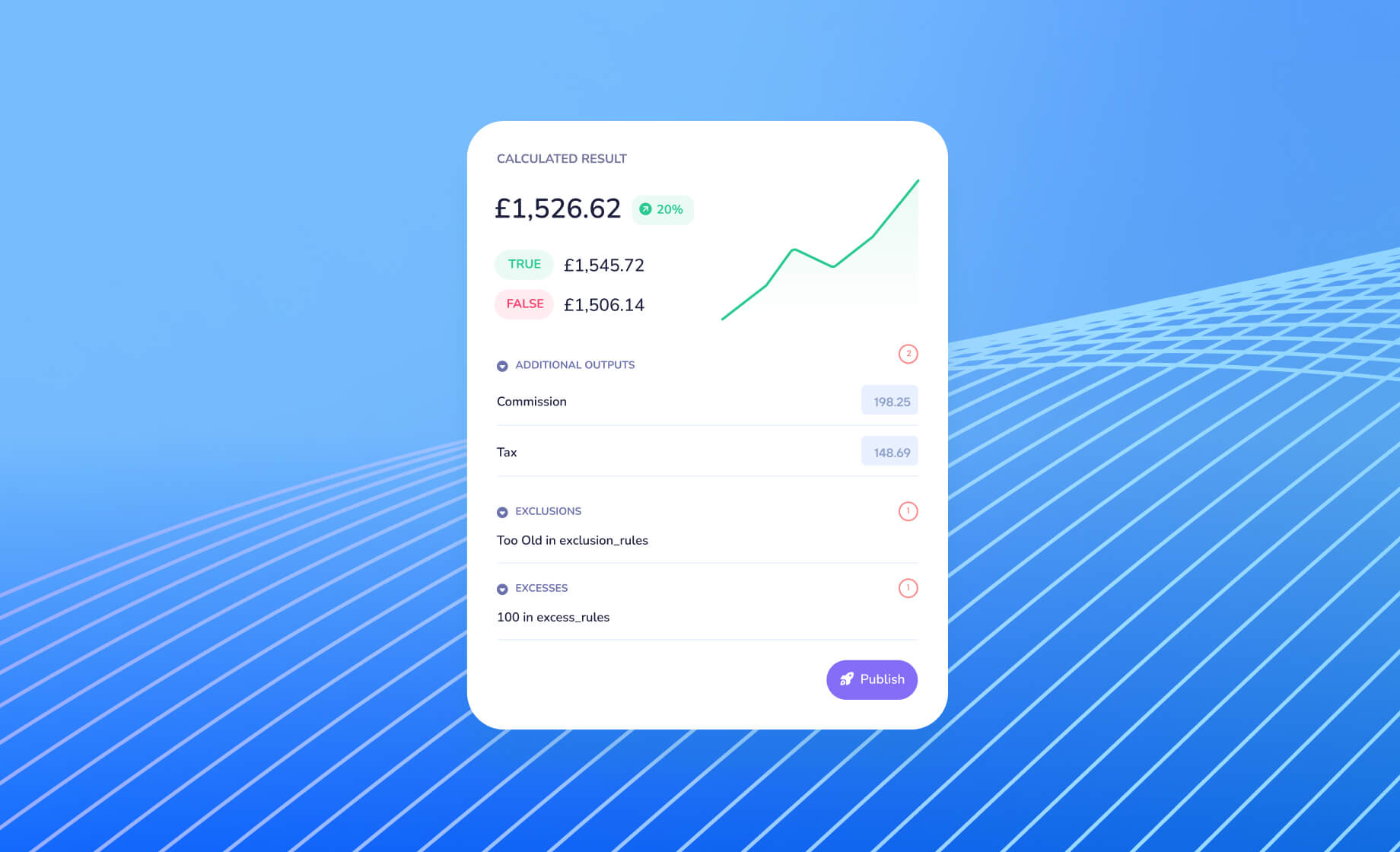
A failing test points to a difference in logic. The quote trace for that test shows every input, lookup and formula with its values, so you can line it up against the workbook row by row. The usual causes are rounding at a different point, a band edge that is inclusive in one and exclusive in the other, and adjustments buried in the workbook that nobody wrote down.

Sometimes the investigation turns up a mistake in the spreadsheet. If it does, note it and agree with the pricing team whether to keep the current behaviour for now or fix it as a separate change with its own sign-off.

Step 5: Run both side by side

Before switching, price live quotes through both the workbook and the new model for a while and compare them. Every difference should have an explanation before you go further.

Step 6: Switch over and lock the workbook away

When the parallel run is clean, make the new model the only source of prices. Archive the spreadsheet somewhere it can't be used to quote by accident.

Life after the spreadsheet

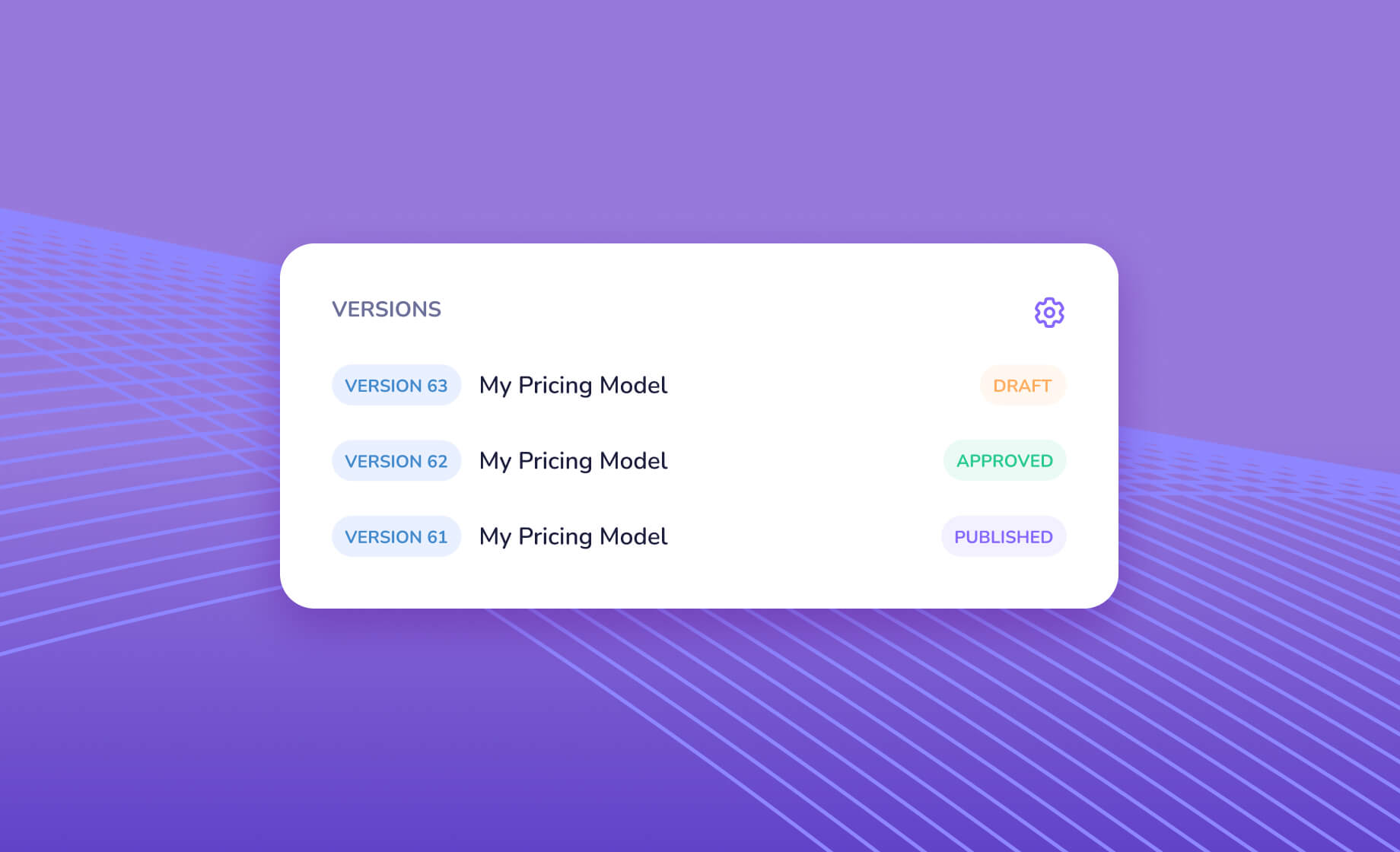
Once the rater is a tested model, a rate change becomes short and controlled. In Swallow you start a new draft from the live version, make the change, run the tests, review what moved, then approve and publish it. Every version is kept, every step is logged with who did it and when, and every quote is saved with the version that priced it. Our posts on testing insurance pricing models and the insurance rate change process go into more detail.

The same model can then serve quotes through the API, embedded forms and AI clients, so the product is no longer limited to whoever has the file open. And if someone still wants to see it in a spreadsheet, a model can be exported back to Excel.

Getting started

Send us your spreadsheet rater and the worked examples behind it, and we'll talk you through getting it live on Swallow. Get in touch.
Continue reading

From filing to rater: building pricing models from US rate filings

What sits inside a US rate filing, how to rebuild it as a working, tested rating model, where AI speeds things up and which gaps to expect.

Swallow compared: enterprise pricing platforms, core system raters and AI newcomers

Where Swallow sits against established insurance pricing and rating platforms and newer AI-led options, on model format, testing, approvals, AI and distribution.

Building pricing models with Claude and ChatGPT: what works, what doesn't

A practical look at building insurance pricing models with Claude and ChatGPT over MCP: where AI clients help, where they trip up and how to keep people in charge.

AI in insurance pricing: closing the gap between rating guide and live model

Pricing design is rarely the bottleneck. Implementation is. How AI shortens the path from signed-off rating guide to a tested, live pricing model.

Fair value under Consumer Duty: the evidence your pricing should leave behind

What the FCA's Consumer Duty and pricing rules ask of insurance pricing teams, and the records that make fair value something you can show, not just claim.

When the customer is an AI agent: getting your pricing ready

AI assistants are starting to shop for insurance on people's behalf. Here's what your rating engine has to give them to quote your products properly.

How to connect the Swallow MCP server to Claude

Connect Claude to your Swallow pricing infrastructure using MCP to analyse models, inspect rating logic and interact with your tools using natural language

Regression testing insurance pricing: why every rate change needs a test suite

How to build a regression test suite for an insurance pricing model, from worked examples and band edges to declines, refers and real quotes.

A safer rate change: eight steps from analysis to monitoring

A repeatable process for insurance rate changes, from the change statement and draft version to tests, approval, release and monitoring, and where AI helps.

Readable by design: pricing models people can check, even when AI writes them

When AI drafts pricing logic, review becomes the slow step. Why a declarative, readable model format is faster to check and audit than generated code.

Starting an MGA: from rating guide to first live quote

A practical route for a new MGA's first product: agreeing terms with capacity, building and testing the model, picking channels and watching rates after launch.

AI and insurance distribution: one price, every channel

Aggregators, embedded journeys, chat, voice and AI agents all need the same thing from pricing. Why one explainable rating engine should sit behind them all.

AI in regulated industries: why explainability has to come first

Insurers can get real gains from AI and still meet what the FCA, the EU and US regulators expect, provided every decision can be explained, reproduced and signed off.

Swallow vs Earnix

Swallow and Earnix Price-It compared for insurance pricing and rating: who each is for, how models are built, tested and released, how AI is used, and distribution.

Swallow vs Guidewire PricingCenter

Swallow and Guidewire PricingCenter compared: who each suits, how each relates to PolicyCenter, how models are built, tested and released, AI and distribution.

Swallow vs Duck Creek Rating

Swallow and Duck Creek Rating compared: who each suits, suite and standalone use, how rates are built, tested and released, deployment, AI and distribution.

Swallow vs Oracle Insbridge

Swallow and Oracle Insurance Insbridge Enterprise Rating compared: architecture, how rates are built and changed, testing, integration, AI, and how to migrate.

Swallow vs Akur8 Deploy

Swallow and Akur8 Deploy compared: where each rating engine fits, how rates reach production, testing and sign-off, how AI is used and when to pick which.

Swallow vs hyperexponential (hx Renew)

Swallow and hyperexponential's hx Renew compared: who each suits, Python models versus readable JSON, testing and approvals, AI and the Guidewire deal.

Swallow vs WTW Radar

Swallow and WTW Radar compared for pricing and real-time rating: who each suits, how models are built and changed, testing and approvals, and AI features.

Swallow vs building a rating engine in house

Build or buy? A fair look at writing your own insurance rating engine versus using Swallow: testing, versioning, audit, serving at volume and rate changes.

How to connect the Swallow MCP server to ChatGPT

Connect ChatGPT to your Swallow pricing infrastructure using MCP to analyse models, inspect rating logic and interact with your tools using natural language

Swallow Data: Live insight into your pricing performance

See how Swallow’s Data area gives you real-time visibility over quotes, performance, and customer behaviour across your entire pricing model

Swallow Tests: Validate your pricing with real-world scenarios

See how Swallow’s Tests area lets you simulate quotes, inspect calculations, and perfect your pricing model before publishing

Swallow Build: Bring your pricing model to life

A quick look at how Swallow’s Build area lets you edit, test, and publish pricing models with complete control and instant feedback

Swallow Overview: Core features at a glance

See how the AI actuary inside Swallow turns a simple prompt into a fully tested and deployable insurance pricing model for electric vehicles in just a few clicks

Why Modern Insurers Are Moving to AI-Powered Enterprise Pricing Engines

A look at how AI is transforming insurance pricing, from spreadsheet-based models to enterprise-grade rating engines built for speed, consistency, and control

Swallow / MGT

How MGT use Swallow to power AI-driven pricing, accelerate model updates and support fast, reliable commercial insurance quoting.

AI Agent for Insurance Products

Sam talks through our new AI Agent for Insurance products. Get a new Insurance product built and live within a couple of minutes.

Swallow / Ouch!

How Ouch! used Swallow to launch digital takaful products faster, with transparent pricing, audit readiness and seamless model updates.

Pricing Pain Point #4 - Slow deployment

Whilst the modelling process is where pricing strategy begins, getting changes in front of customers is where the rubber hits the road and new pricing is tested with real customers. Moving quickly to make changes to live pricing offers pricing teams an opportunity to respond to the market, test and iterate, and roll out new products.

Pricing Pain Point #3 - Testing concerns

With pricing critical to growth and profitability, businesses must understand the impact of any price changes, as well as ensure what goes live to customers is identical to that modelled. With pricing driven by complex financial models, this is particularly true - a percentage point error in the code deployed could easily lead to a significant financial impact.

Swallow / Open

How Open used Swallow to launch embedded insurance in the UK faster, with flexible pricing, rapid updates and lower operational cost.

Pricing Pain Point #2 - Lengthy process

In any fast moving business, having a clear record of decisions, changes and their impacts is key to operating efficiently and successfully. For regulated industries, a clear governance process is a requirement and critical to ensuring compliance with local regulations.

Pricing Pain Point #1 - Data issues

Underlying all pricing strategy is data, whether it be on the market and competition or a company’s own quote, sales and cost data. Collecting this data and using it to inform future pricing decisions is one of a pricing team’s key objectives.

Swallow / Rivr

How Rivr uses Swallow to deliver pricing models faster, with better governance, smoother client handovers and one-click deployment.

What we've learned about pricing

Over the past few months, we've talked to over 100 pricing and technology professionals from a range of industries. From our conversations, many pricing pain points have emerged, helping us to better understand the challenges businesses face and inform the direction of our platform.

Why I created Swallow

Financial pricing models (think insurance, credit, mortgages, financing, leasing, memberships) have, and continue to be, designed in spreadsheets and published through in-house custom code or legacy enterprise software. Pricing changes can take weeks instead of hours.

We feel you, pricing is hard...

Dynamic pricing is hard to create and serve to your customers. Because it is hard, it can become a technical concern rather than a business concern. Here be where the dragons lie.