


Changing rates is everyday work for a pricing team, and every change is a chance to get something wrong. One bad factor, one missed band or one rule in the wrong place can misprice new business for weeks before it shows up in the numbers. The fix isn't to change rates less. It's to change them the same careful way every time.
Here is a process that suits most personal and commercial lines, with notes on how it runs in Swallow and where AI can take some of the load.
1. Decide what is changing, and why
Every change starts with analysis: claims experience, inflation, mix, competitor moves and any regulatory constraint. The output is a short change statement. For example: "Raise the Greater London region factor from 1.30 to 1.35 to reflect vet-fee inflation in the capital."
Write it down before anyone opens the model. Testing and approval both check against it.
2. Capture where you are now
Run the full test suite on the live version and keep the results. This is your baseline: what every case priced at before you touched anything.
If the suite is thin, fix that first. Each factor you are about to change needs cases either side of it, and each rule needs one case that fires it and one that doesn't. Our post on regression testing for pricing covers how to build one.
3. Work in a draft, never the live model
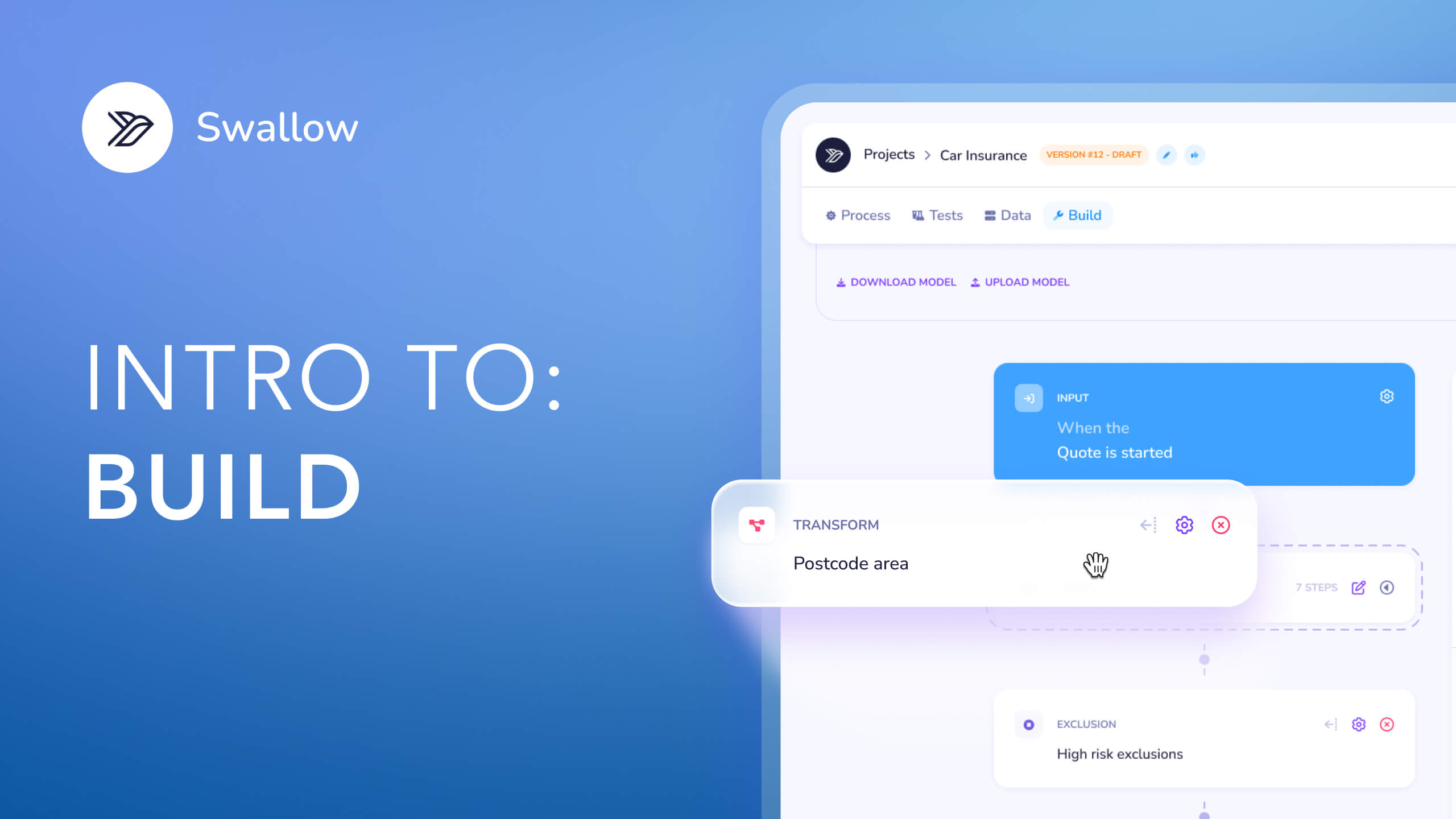
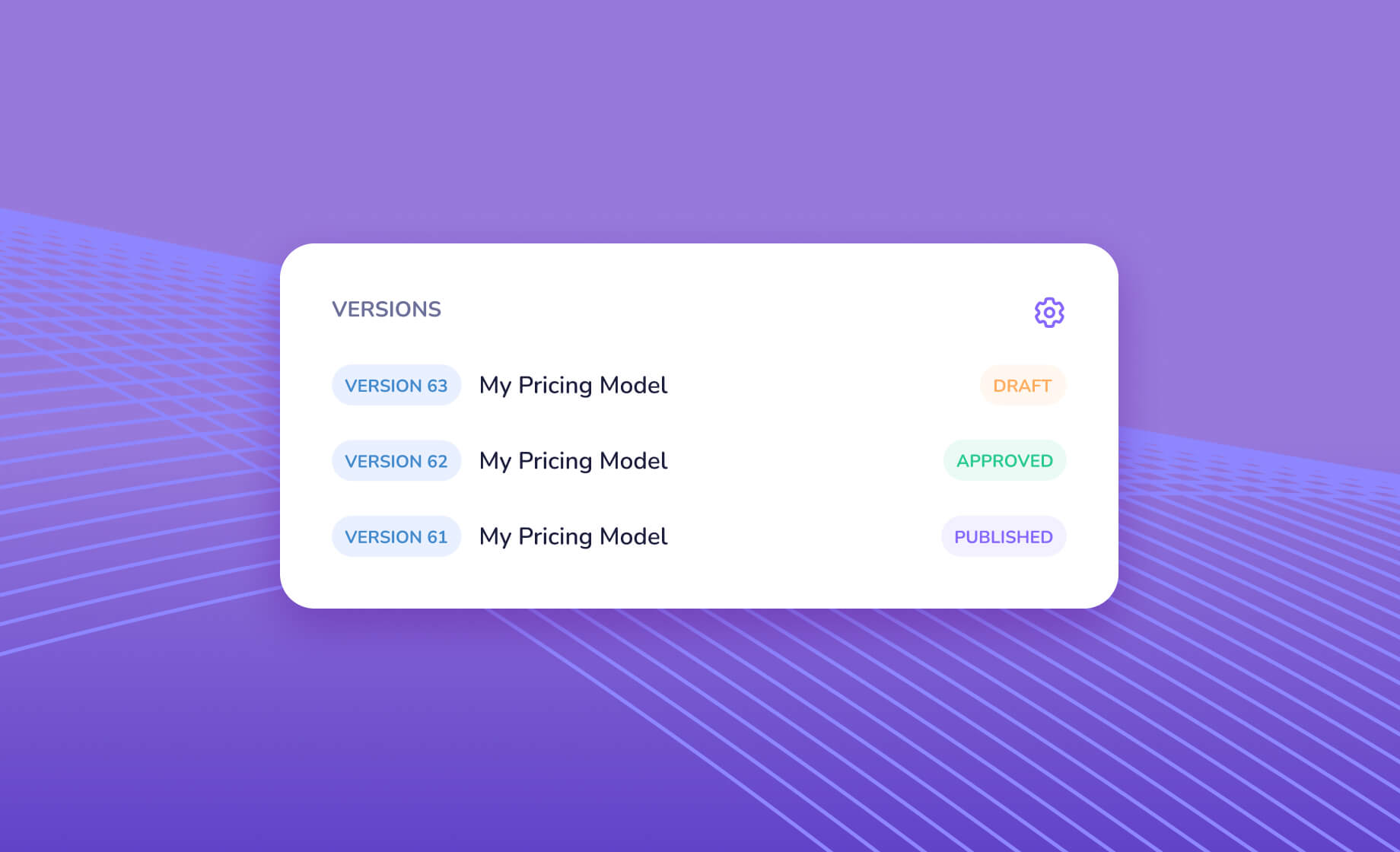
In Swallow, a new version starts as a draft copied from the latest published or approved version. Only a draft can change, and a project has one draft at a time. Edit it in the dashboard, or upload a revised model file. Live quotes keep pricing on the published version the whole time.
Keep each draft to one change where you can. Unrelated changes are easier to test and approve on their own.
4. Compare the results
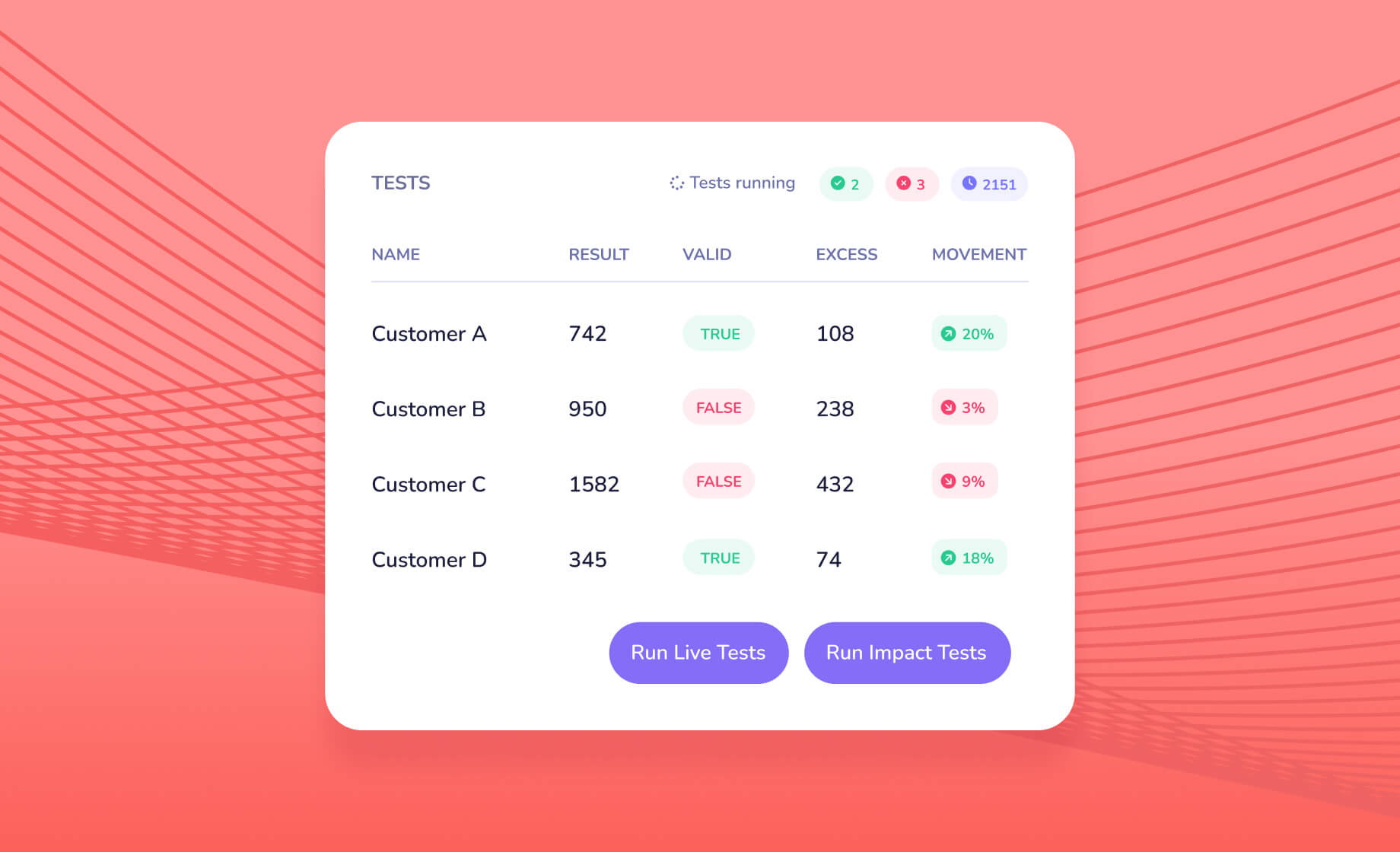
Run the suite on the draft and set it against the baseline:
- Cases the change should affect move by the amount you expect.
- Cases it shouldn't affect don't move at all.
- Anything else gets explained before the change goes further.
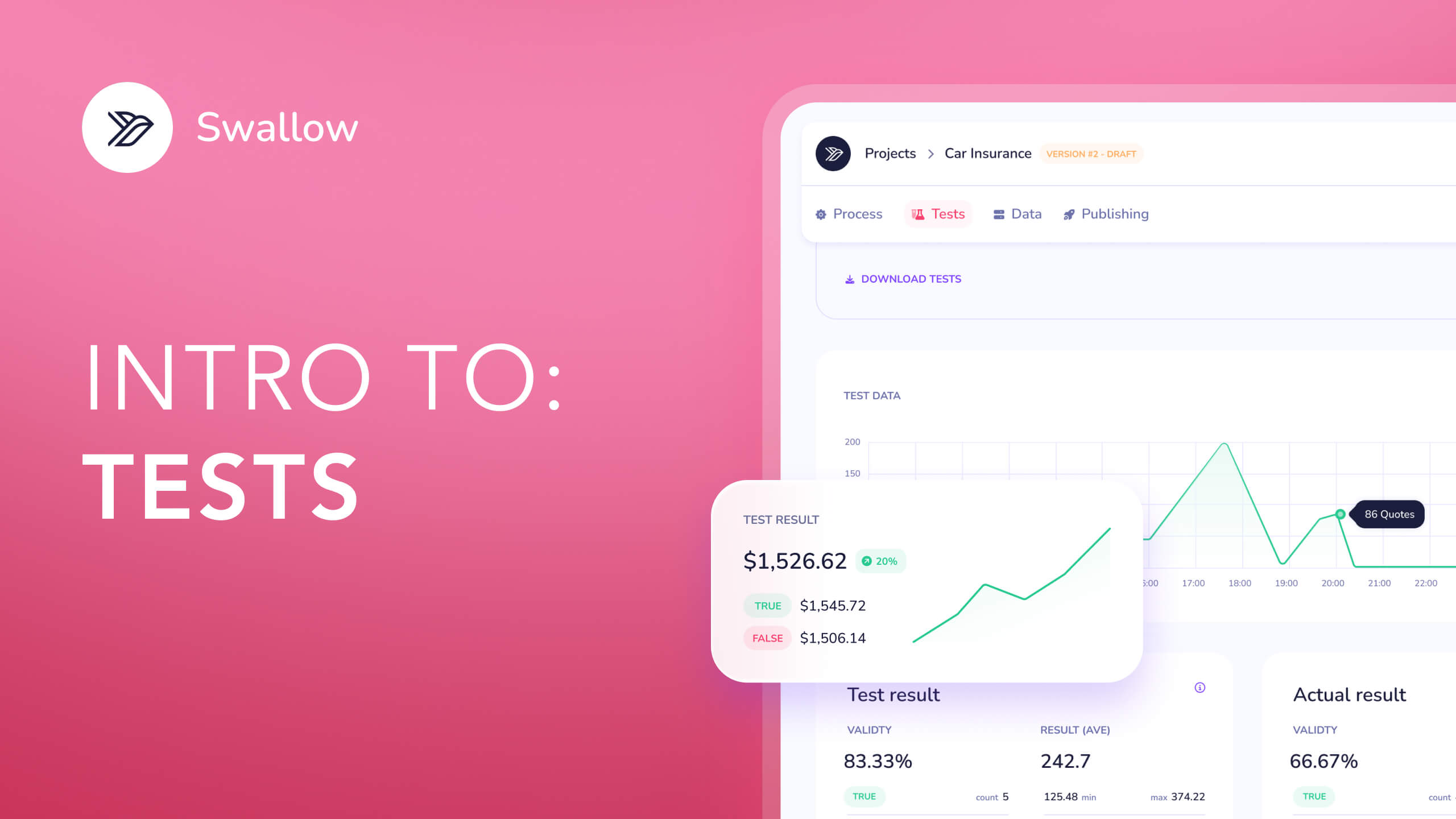
In the example above, the Persian cat in Greater London moves from 255.34 to 265.16 and every other test holds. Update expected results only where the change was meant to land, and note why. The Swallow dashboard shows each test's expected and actual result side by side, so the comparison is a read, not a spreadsheet exercise.
5. Read a few quotes in full
Tests tell you prices moved as intended. It still pays to look at how a handful of quotes were built, especially near band edges and close to decline or refer rules. A Swallow debug trace lists every lookup and formula with the values it used, so you can see the new factor was picked up in the right step.
6. Approve
Someone other than the author, where possible, reviews the change statement, the test differences and the sample quotes, then approves. In Swallow, the version's team settings decide who can approve, approvals are timestamped and logged with who did it, and approving fires your webhooks. The Review area also shows what changed between versions, and Swallow Process keeps comments and files against the version.
7. Publish
Publish the approved version and it starts pricing. Quotes that don't name a version use the latest published one, and every quote records the version that priced it, so you can always tell which rates applied to a given policy. The API can even price a quote against the version that was live on a given date.
Think about timing. For US regulated lines, the effective date has to line up with the approved filing. For high-volume channels such as aggregators, a quiet hour is a better moment than a peak one.
8. Watch what happens
Release isn't the end. Over the next few days, watch:
- quote volumes and conversion to sales;
- average premium against the movement you expected;
- the share of quotes declined or referred;
- errors and response times.
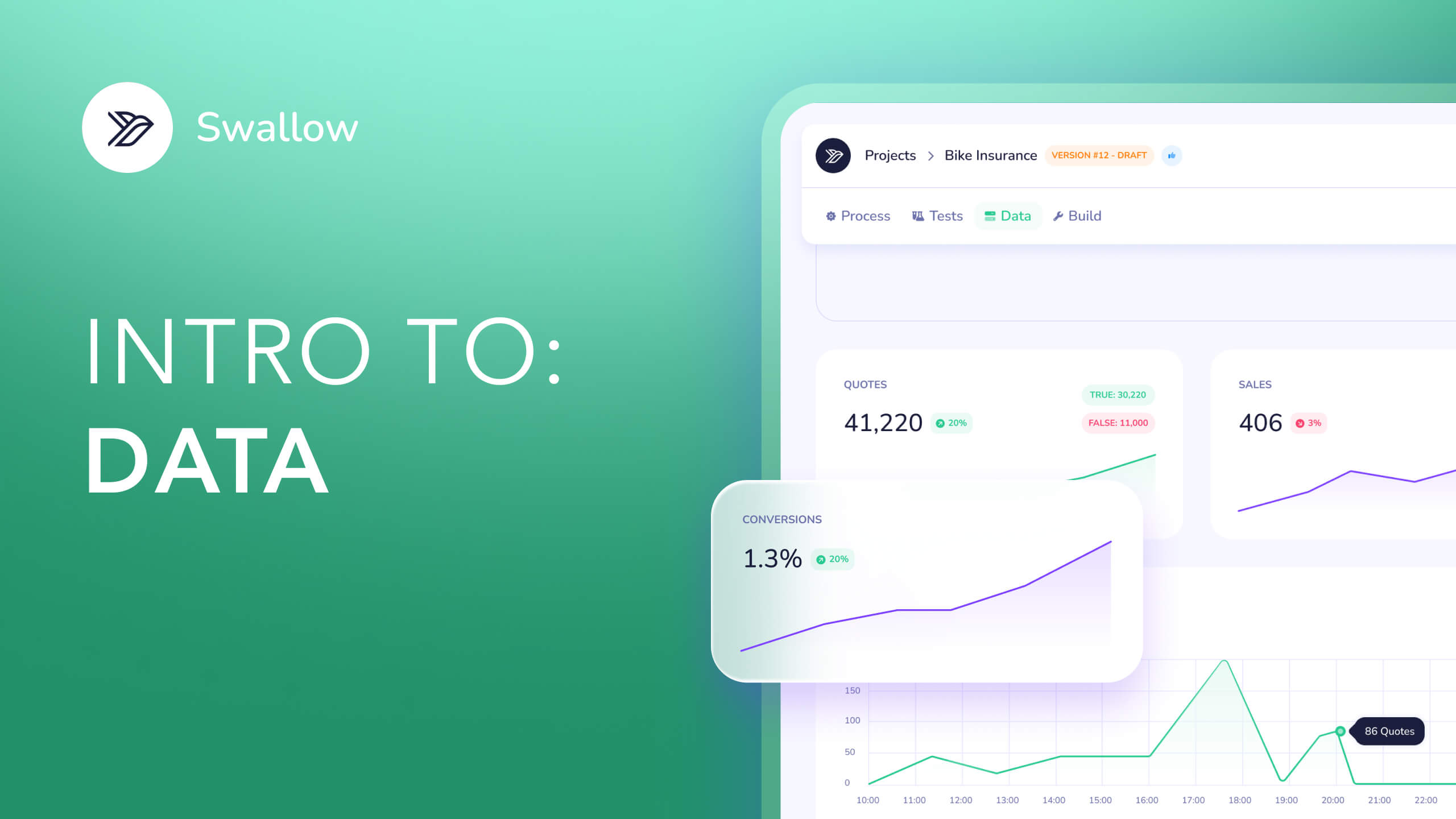
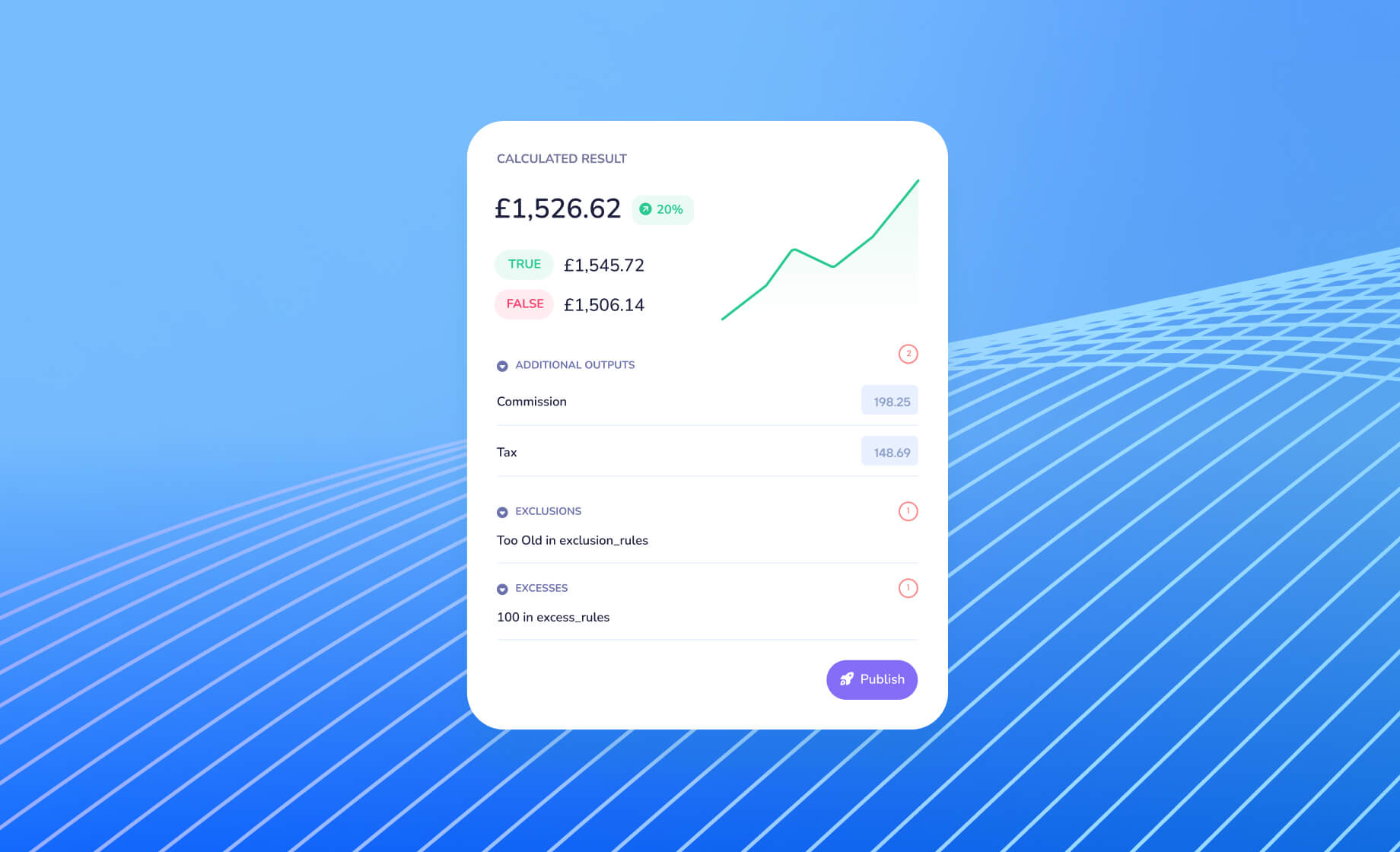
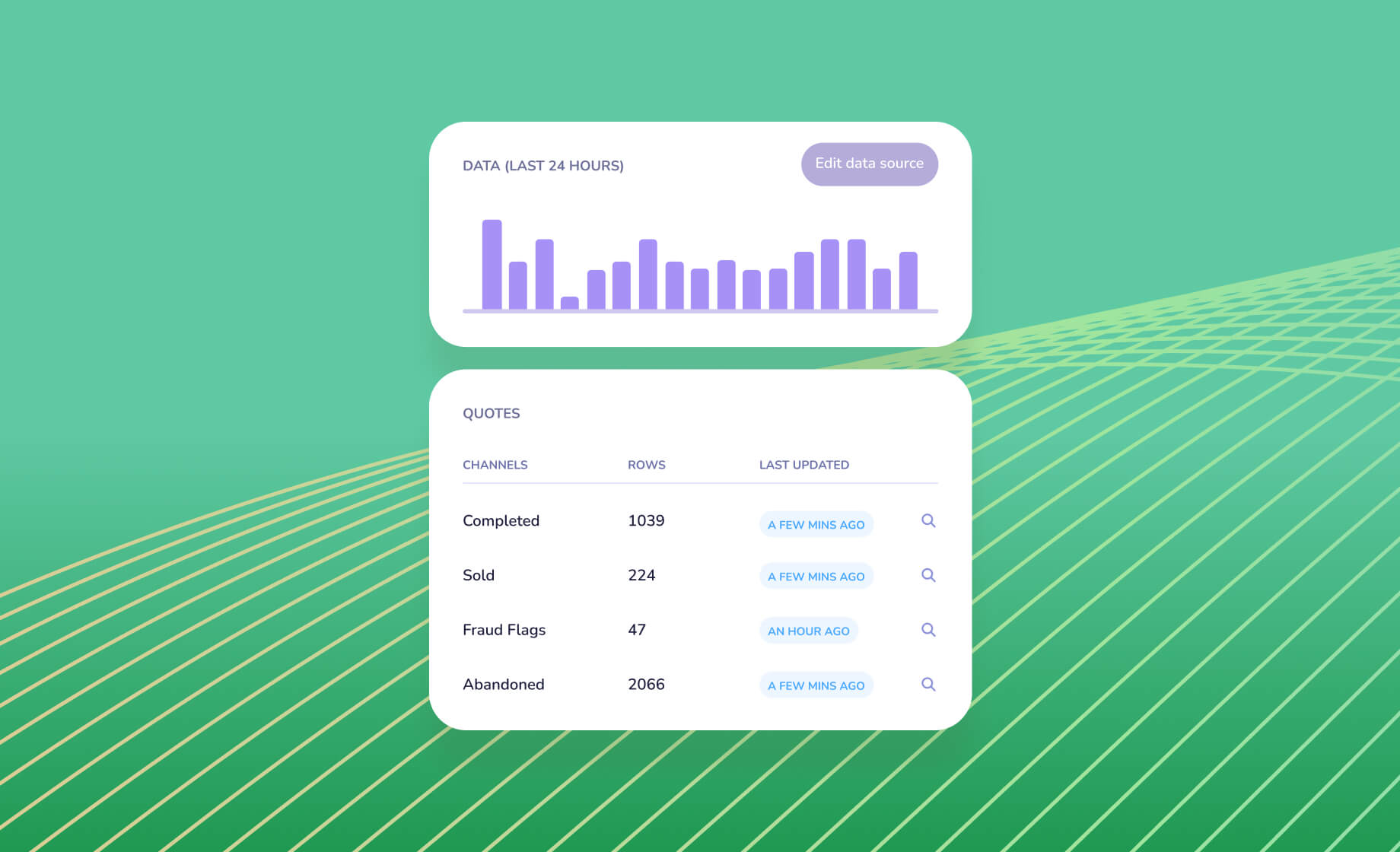
If the numbers drift from the analysis, find out why before the next change. Swallow's quote analytics and data tools give you the live view.
Where AI fits
AI can speed up most of these steps without loosening any of the controls:
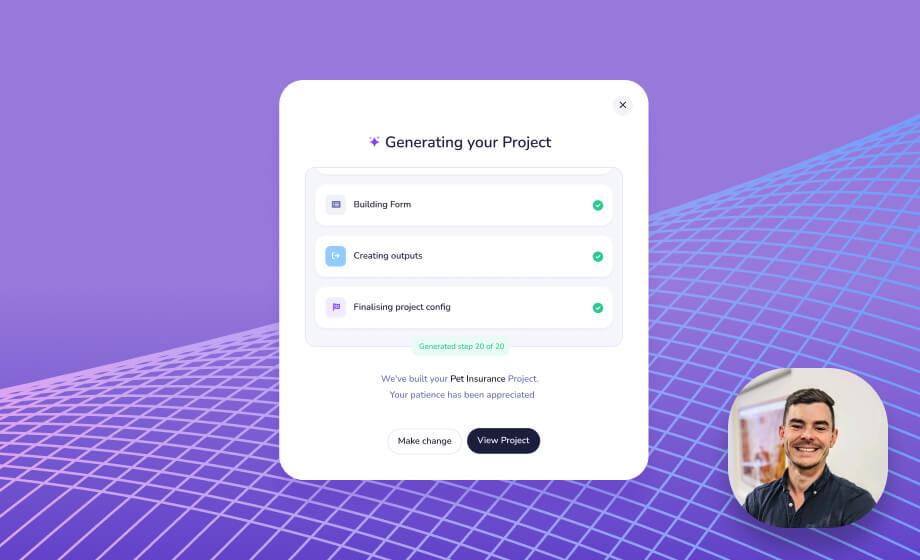
- Drafting the change. An agent can apply a described change to a copy of the model, such as a new factor or an extra table row, and validate it against the schema.
- Running the suite. It can price every test after each edit and report actual against expected.
- Explaining the moves. Using quote traces, it can say what moved and why.
- Pulling the pack together. Change statement, test results and sample quotes, in one place for the approver.
Approval and release stay with people. Swallow's MCP server is read-only for projects: an agent can build, validate and test a model and read your quotes, but the updated model is uploaded to a draft, approved and published by your team in the dashboard.
Getting started
Every Swallow model has drafts, tests and an approval step built in. See the lifecycle on our model building page, or talk to our team about how your rate changes run today.